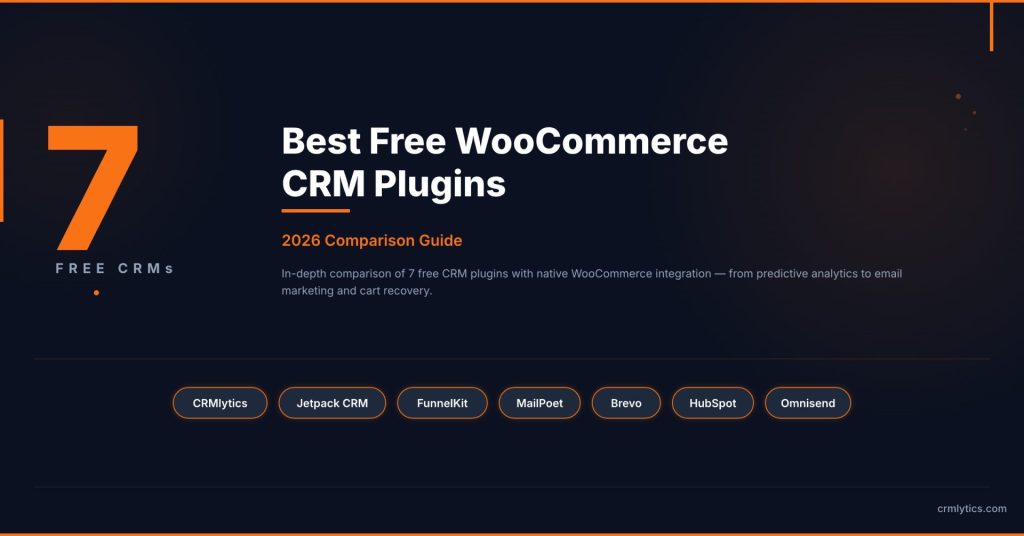
7 Best Free WooCommerce CRM Plugins (2026)
Most CRMs that claim to be free for WooCommerce have a catch. You install the plugin, sync your store, and find the WooCommerce integration requires a paid upgrade. The free version shows a contact list but not the order data you actually need to run your business.
I spent weeks testing to find the tools that genuinely connect to WooCommerce at no cost. FluentCRM has a solid free version but its WooCommerce sync requires the Pro plan at $129 per year. Mail Mint does the same thing: WooCommerce triggers are locked behind a paid tier.
This list covers the ones where the free version actually works with your store data.
If you are looking for the best free WooCommerce CRM plugins that give you real customer data without forcing an upgrade, these seven tools are where to start.
What to Look for in a Free WooCommerce CRM
Before jumping into the list, here is what separates a useful free CRM from a glorified contact list.
- Real WooCommerce data sync at no cost. Does the plugin pull in your order history or just basic user profiles? This is the biggest trap.
- Clear free tier limits. Some tools cap you at 250 contacts. Others give you unlimited storage.
- Flat-rate or no-cost pricing. Avoid tools that switch to per-contact pricing as your list grows.
- Native vs cloud architecture. A native plugin keeps your data on your server. A cloud platform syncs it externally.
1. CRMlytics
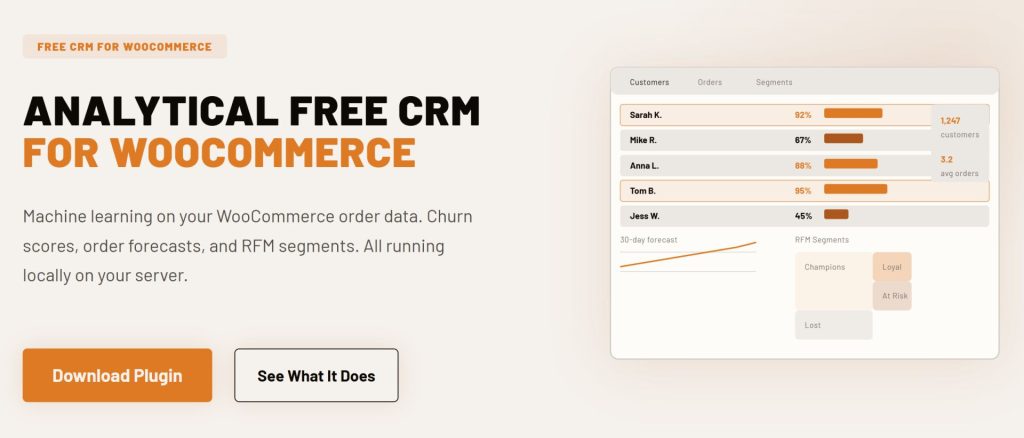
CRMlytics is the only 100 percent free option on this list. There are no paid tiers, no contact limits, and no features hidden behind an upgrade button.
It is a native WordPress analytical CRM that runs entirely on your own server. Your store data never leaves your site because everything processes locally.
Instead of focusing on email workflows, CRMlytics is built around customer intelligence. It reads your WooCommerce order history and runs predictive models directly on your server.
Every customer gets a health score from 0 to 100. You can see exactly who is about to stop buying before they go silent. It also sorts your customers into segments based on their buying habits, so you know who your best buyers are and who needs a nudge.
Built-in email campaigns let you target customers by segment or tag from your WordPress dashboard. Click tracking feeds back into each customer’s timeline so your data gets sharper with every send.
Pricing: 100 percent free. No paid tiers, no upsells, unlimited contacts and orders.
2. Jetpack CRM
Jetpack CRM (formerly Zero BS CRM) is built by Automattic, the company behind WordPress.com and WooCommerce. Over 30,000 stores use it and it holds a 4.3 out of 5 rating on WordPress.org.
The free core includes the WooSync module that pulls your WooCommerce orders, customers, and transactions into CRM contact profiles automatically. Automattic’s own documentation confirms the free core integrates fully with WooCommerce.
Where Jetpack CRM stands out is in practical business tools. The free version includes invoicing, quote generation, and a client portal where your customers can log in to view past quotes, invoices, and transactions.
Paid bundles unlock Stripe and PayPal sync, email marketing campaigns, and advanced segments. But the WooCommerce connection is genuinely free.
Pricing: Free core with WooSync included. Paid bundles start at $11 per month.
3. FunnelKit Automations Lite
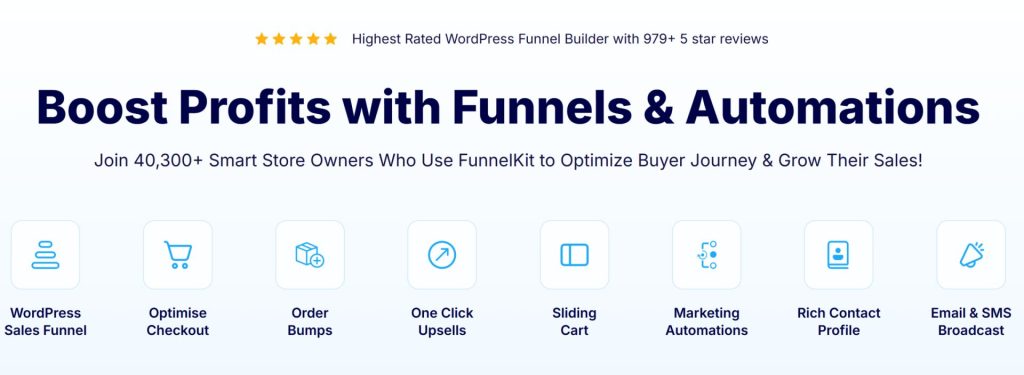
FunnelKit Automations (formerly Autonami) was built specifically for WooCommerce. Over 40,000 stores use it and it has a 4.9 out of 5 rating on WordPress.org from nearly 1,000 reviews.
The free Lite version includes real WooCommerce triggers that most competitors lock behind a paywall. You get a visual workflow builder with triggers for cart abandonment, order created, and order status changed.
You can build automated sequences like sending a reminder when someone adds a product to their cart but does not check out. All contact data stays on your server.
The Pro version at $99.50 per year adds broadcast campaigns, SMS marketing, and advanced segmentation.
Pricing: Free Lite version with real WooCommerce triggers. Pro starts at $99.50 per year.

4. MailPoet
MailPoet is an email marketing plugin owned by Automattic. Its WooCommerce features make it work as a lightweight CRM for email-focused stores. Over 500,000 sites run it and it holds a 4.4 out of 5 rating on WordPress.org.
The free plan supports up to 500 subscribers with 5,000 emails per month using the MailPoet Sending Service. It delivers a 98.5 percent inbox rate.
You get a drag-and-drop WooCommerce email customizer to redesign your order receipts and shipping notifications. You can also set up automated emails for abandoned cart recovery, first-purchase follow-ups, and product recommendations.
If you use your own SMTP server instead of the built-in service, the free limit increases to 1,000 subscribers.
Pricing: Free for 500 subscribers (1,000 with your own SMTP). Paid plans start at $10 per month.
5. Brevo
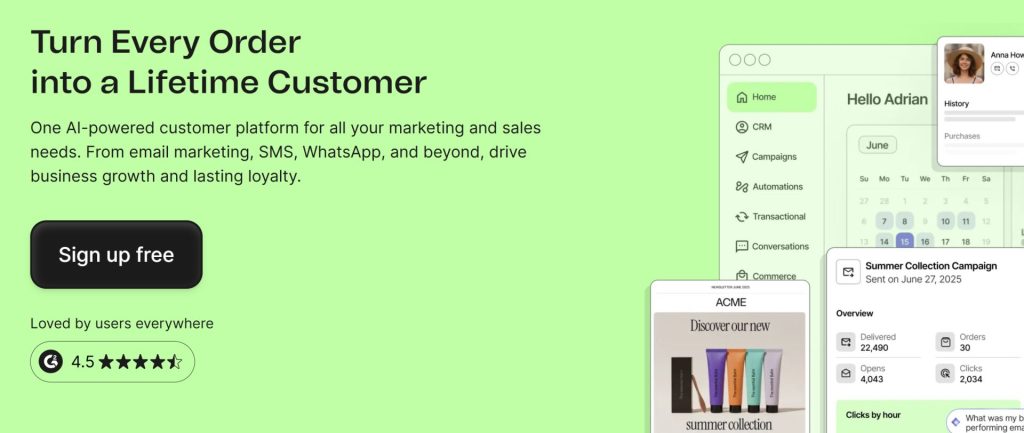
Brevo (formerly Sendinblue) takes a different approach to pricing. Instead of charging per contact, it charges per email sent. Over 500,000 business accounts use it and it has a 4.5 out of 5 rating on G2 from over 2,300 reviews.
The free plan includes 300 emails per day with unlimited contact storage. The WooCommerce plugin syncs your contacts, orders, and products in real time.
The free plan includes a drag-and-drop email editor, marketing automation for up to 2,000 contacts, and a live chat widget for one user. Brevo also has a built-in SMTP service, so you can send transactional emails like order confirmations through the same platform.
The main limit is 300 emails per day. That works well for small stores sending weekly newsletters but not for high-volume senders.
Pricing: Free for 300 emails per day with unlimited contacts. Paid plans start at $9 per month.
6. HubSpot for WooCommerce
HubSpot for WooCommerce by MakeWebBetter connects your store to the free HubSpot CRM tier. HubSpot has 288,706 customers as of December 2025 and a 4.4 out of 5 rating on G2 from over 10,000 reviews.
The integration plugin is free. HubSpot’s base CRM is free for up to 1,000 contacts (for accounts created after September 2024). The plugin syncs your WooCommerce customers and orders automatically.
You get abandoned cart tracking, ad targeting for Facebook and Google Ads, a deal pipeline, meeting scheduling, and live chat. The trade-off is that your data lives on HubSpot’s servers, not your own.
Advanced marketing automation requires paid plans starting at $20 per month.
Pricing: Free plugin plus free HubSpot CRM for up to 1,000 contacts. Paid plans start at $20 per month.

7. Omnisend
Omnisend is an omnichannel marketing platform built for ecommerce. It supports email, SMS, web push notifications, and WhatsApp from one dashboard. Over 100,000 ecommerce brands use it and it holds a 4.6 out of 5 rating on G2.
The free plan gives you access to every feature, including pre-built automation workflows, segmentation, A/B testing, and signup forms. The limits are 250 contacts and 500 emails per month.
The WooCommerce plugin syncs customer data, order history, and product catalog in real time. Pre-built workflows cover welcome series, abandoned cart recovery, browse abandonment, post-purchase follow-ups, and win-back campaigns.
The main downsides are the tight sending limits and the Omnisend branding on all emails.
Pricing: Free for 250 contacts and 500 emails per month. Paid plans start at $16 per month.
Comparison Table
Here is how they stack up side by side.
| CRM Plugin | Architecture | Free Tier Limit | Best For |
|---|---|---|---|
| CRMlytics | Native WordPress | Unlimited | Customer analytics and prediction |
| Jetpack CRM | Native WordPress | Unlimited contacts | Invoicing and B2B sales |
| FunnelKit Automations Lite | Native WordPress | Unlimited contacts | Abandoned cart recovery |
| MailPoet | Native WordPress | 500 subscribers | Email newsletters |
| Brevo | Cloud | 300 emails/day | Multi-channel marketing on a budget |
| HubSpot for WooCommerce | Cloud | 1,000 contacts | Scaling into enterprise marketing |
| Omnisend | Cloud | 250 contacts | Omnichannel marketing from day one |
Which One Should You Pick?
The right tool depends on what your store needs right now. Here is how I would decide.
- If you want to understand your customers at a deeper level: Start with CRMlytics. The predictive churn scores, RFM segments, and order forecasts give you insights that usually cost hundreds per month on other platforms. It is the only tool on this list that tells you who is about to leave before they stop buying.
- If you run a B2B or service-based store alongside retail: Jetpack CRM is your best bet. The free invoicing, quote builder, and client portal are built for stores that handle custom orders or wholesale accounts.
- If abandoned carts are draining your revenue: Install FunnelKit Automations Lite. The free version includes a working abandoned cart workflow with a visual builder. Most plugins charge for this feature.
- If email newsletters are your main marketing channel: Go with MailPoet. The WooCommerce email customizer and automated store emails make it the best free option for email-driven stores, and the built-in sending service solves deliverability issues.
- If you want unlimited contacts on a cloud platform: Brevo is the only free cloud CRM on this list with unlimited contact storage. The per-email pricing model means your bill stays the same regardless of list size.
- If you plan to scale into enterprise marketing: HubSpot for WooCommerce gives you a path from a free CRM to a full marketing platform as your store grows. The ad targeting and deal pipeline features are unique on this list.
- If you want SMS and email from the same tool from day one: Omnisend gives you access to all features on the free plan, including SMS credits, push notifications, and pre-built automation workflows.
Why the Best Free WooCommerce CRM Plugins Work Better Together
Here is a pattern that works well. An analytical CRM tells you who needs attention. An operational CRM handles the actual campaigns. The stores that get the most out of free tools use one of each.
You might use CRMlytics to find customers with high churn risk. Then you feed those segments into FunnelKit Automations Lite or MailPoet for the email campaigns. CRMlytics handles the analysis. The other tool handles the sending.
This is how successful stores operate at scale. Klaviyo users pair it with Metorik for analytics. ActiveCampaign users pair it with Google Analytics for insights. One tool for the intelligence, another for the execution.
Start With Something Free
You do not need a big budget to start managing your customers. Every tool on this list connects to your WooCommerce store at no cost.
Pick one that matches your biggest problem. Losing sales to abandoned carts? Start with FunnelKit. No idea which customers are at risk? Start with CRMlytics. Just want better-looking emails? Start with MailPoet. Install it, connect your store, and see what you learn in the first week.
The best free WooCommerce CRM plugins give you the data to make smarter decisions about your customers. The rest is up to you.