8 Best Free CRMs for WooCommerce Sales and Marketing in 2026
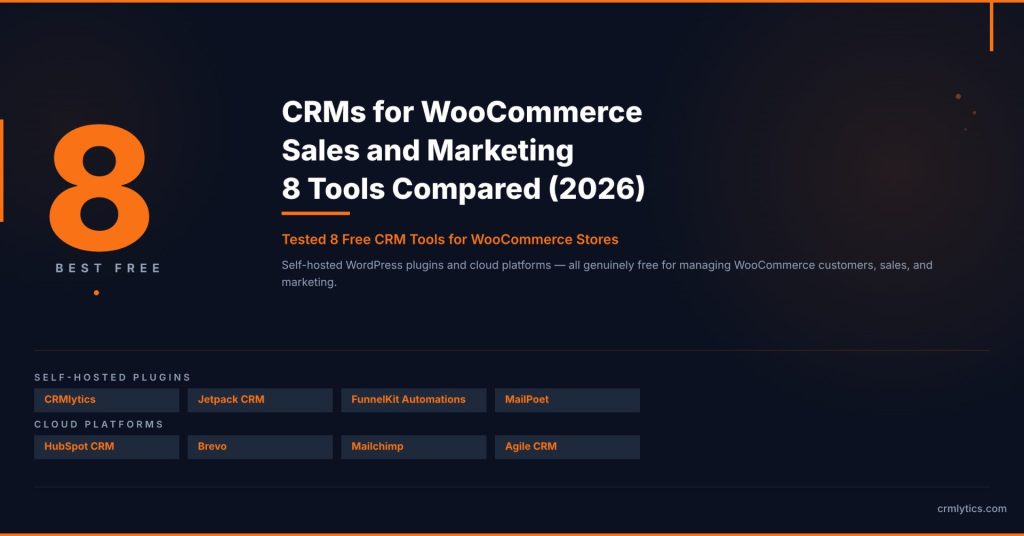
You do not need a big budget to manage your customers and run marketing campaigns for a WooCommerce store. The best free CRM for WooCommerce sales and marketing costs nothing to start and can grow with your store.
We tested and compared the free options out there to find the best free CRM for WooCommerce sales and marketing. Every tool on this list has a genuine free plan, not just a time-limited trial.
Here is what we found.
What “Free” Actually Means for a WooCommerce CRM
Search for the best free CRM for WooCommerce sales and marketing and you will see a lot of “free” labels. They do not all mean the same thing.
Some plugins are completely free with no paid tiers. Others have a free core that handles the essentials but charge for advanced extensions.
Cloud platforms typically offer free tiers with contact limits, email caps, or branding. Those limits matter, but they are often generous enough for stores just getting started.
What you will not get at $0: advanced automation builders, A/B testing, custom reporting, or dedicated support. Those live in paid plans across every tool we looked at.
What you can get: solid contact management, email campaigns, sales pipelines, and predictive analytics in some cases. That is enough for the best free CRM for WooCommerce sales and marketing to change how you run your store.
Self-Hosted WordPress CRM Plugins
These tools install directly on your WordPress site. Your data stays on your server and you are not tied to a third-party cloud platform.
1. CRMlytics
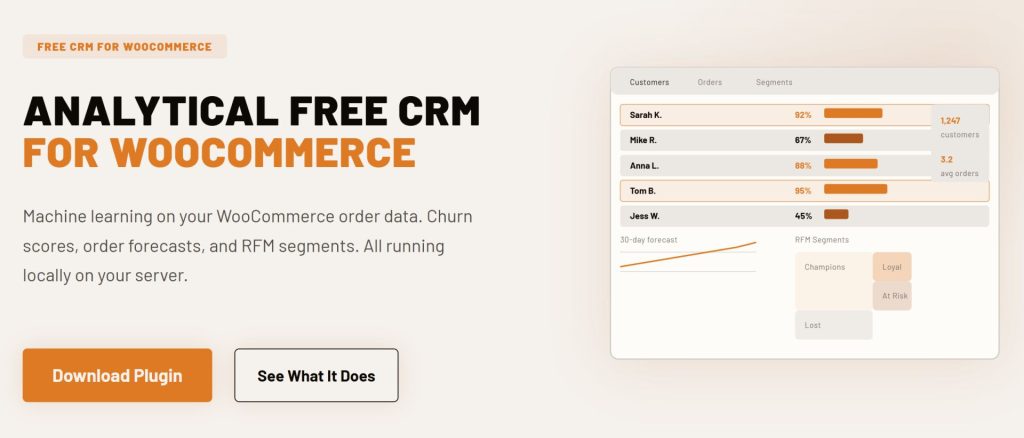
CRMlytics is the only completely free analytical CRM for WooCommerce. There is no paid tier, no contact limit, and your data never leaves your WordPress server.
It is not an email marketing tool. CRMlytics tells you which customers are about to stop buying, who your best repeat buyers are, and how many orders to expect from each customer in the next 30, 90, and 180 days.
Every customer gets a health score from 0 to 100. Customers below 40 are in critical churn territory and need attention before the revenue walks out the door.
It also runs automatic RFM segmentation, sorting your customers into groups like Champions, Loyal, At Risk, and Lost. You can build custom segments by stacking rules around order history, tags, health scores, and more.
Install it, and within minutes it reads your WooCommerce order history and starts crunching predictions. You also get built-in email campaigns, one-click CSV exports, and a store performance dashboard.
If you already have an email tool but do not know who to target, CRMlytics fills that gap for free.
- Best for: Store owners who want to know who to market to, not just how to send emails.
- Price: Free. No paid tiers.
- WooCommerce: Native integration. Runs inside WordPress.
2. Jetpack CRM
Jetpack CRM is a self-hosted WordPress CRM built by Automattic, the company behind WordPress.com and WooCommerce. The core plugin is free.
It handles contact management, invoicing, quotes, and transactions.
The free core includes the WooSync module, which automatically pulls in WooCommerce customers, orders, and transactions. You can see a customer’s full order history right inside their CRM profile.
Jetpack CRM really shines for stores that need to send invoices and track payments. You get a client portal where customers can view their invoices and proposals on your site.
The free plugin has over 30,000 active installations and a 4.3 out of 5 rating on WordPress.org. Paid extensions add email marketing, PayPal sync, Stripe sync, and automation funnels.
The core CRM is fully functional at $0.
- Best for: Stores that need invoicing, quotes, and transaction tracking alongside customer management.
- Price: Free core. Paid extensions from $129/year (Freelancer bundle with 4 extensions).
- WooCommerce: Native sync via built-in WooSync module.
3. FunnelKit Automations Lite
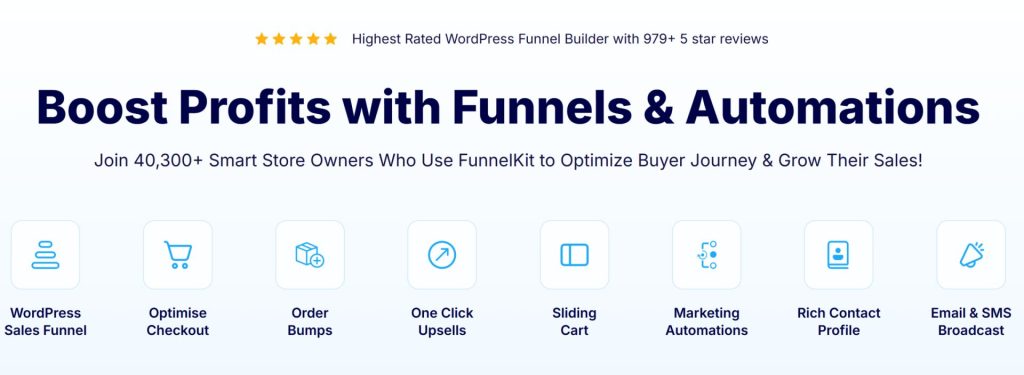
FunnelKit Automations is a marketing automation and CRM plugin for WooCommerce. The free Lite version includes abandoned cart recovery, pre-built automation recipes, and a visual workflow builder.
You can set up cart recovery sequences, welcome emails, and post-purchase follow-ups without paying anything. There is no cap on contacts or email sends because the plugin uses your existing WordPress SMTP setup.
The free version has over 20,000 active installations on WordPress.org. You also get basic CRM contact profiles.
Those profiles show what automations a customer entered and which emails they received.
Advanced features like SMS marketing, smart segmentation, broadcast campaigns, and A/B testing require the Pro version starting at $99.50 per year.
- Best for: Stores focused on recovering abandoned carts and setting up basic post-purchase automations.
- Price: Free Lite version. Pro from $99.50/year.
- WooCommerce: Built specifically for WooCommerce.

4. MailPoet
MailPoet is a WordPress email marketing plugin with strong WooCommerce integration. The free plan handles up to 500 subscribers with the MailPoet Sending Service.
You get abandoned cart reminders, automated welcome emails, first-purchase emails, and product-specific follow-up campaigns. It also lets you customize WooCommerce transactional emails directly from your WordPress dashboard.
MailPoet is owned by WooCommerce and has over 1,100 five-star reviews on WordPress.org with a 4.4 out of 5 rating. Paid plans start at $10 per month.
Upgrading removes the subscriber limit and adds detailed WooCommerce purchase statistics plus Google Analytics integration.
- Best for: Stores that want email marketing directly inside WordPress with WooCommerce-specific automations.
- Price: Free for up to 500 subscribers. Paid from $10/month.
- WooCommerce: Owned by WooCommerce. Deep native integration.
Cloud CRM Platforms With Free Tiers
These platforms run in the cloud and sync with WooCommerce through a connector plugin. Your customer data lives on their servers, but the free tiers are real and permanent.
5. HubSpot CRM
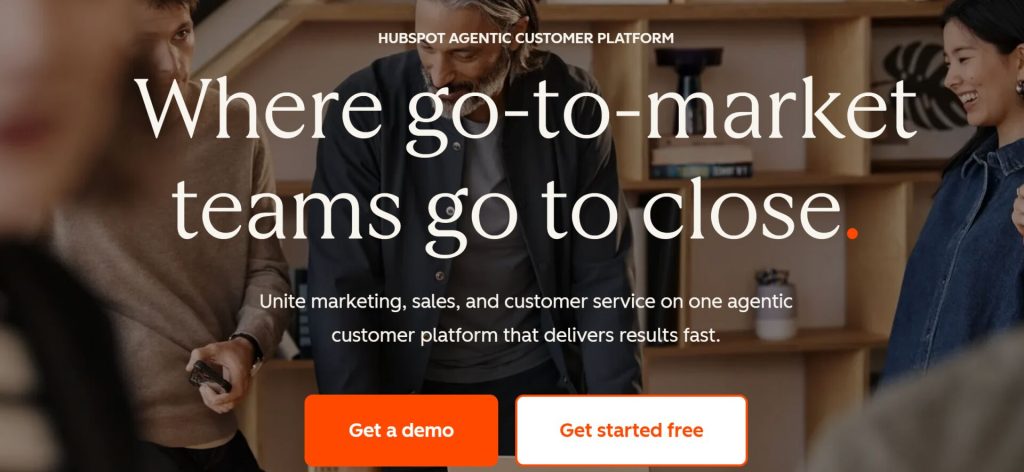
HubSpot offers one of the most generous free CRM tiers on the market. You get contact management, one deal pipeline, live chat, meeting scheduling, and email marketing with up to 2,000 sends per month.
The free official WooCommerce integration syncs your customers, orders, and abandoned carts into HubSpot automatically. You can track purchase history, segment contacts based on order data, and send follow-up emails.
HubSpot’s free CRM holds a 4.4 out of 5 rating on G2 from over 12,000 reviews. The free tier supports up to 1 million contacts and unlimited users.
The catch is that automation workflows, sequences, and custom reporting require upgrading to Marketing Hub Starter at $20 per seat per month.
- Best for: Stores that want a full CRM with deal tracking, live chat, and meeting scheduling alongside email marketing.
- Price: Free CRM tier. Paid plans from $20/seat/month.
- WooCommerce: Official free integration plugin.
6. Brevo
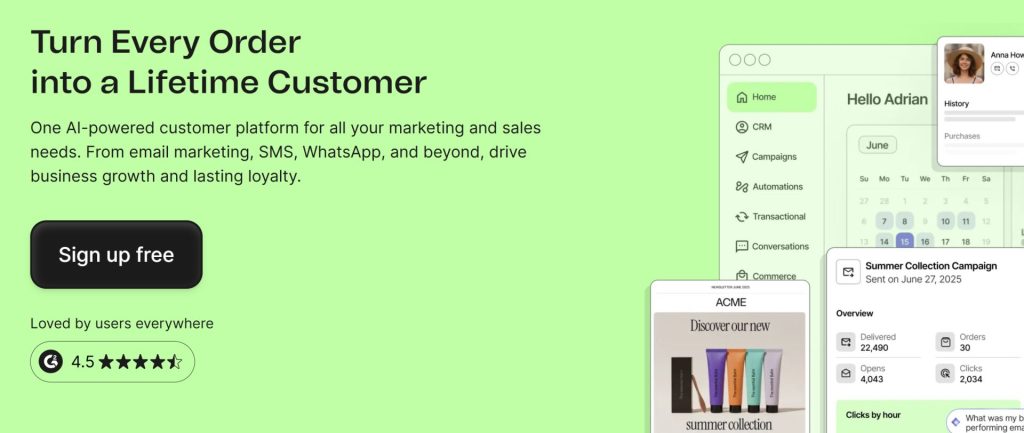
Brevo (formerly Sendinblue) combines email marketing, SMS, and a CRM in one free plan. You can send up to 300 emails per day with unlimited contacts and no time limit.
The free WooCommerce plugin syncs your customer data and order history automatically. You can segment contacts by purchase behavior, create automated email sequences, and send transactional emails using Brevo as your SMTP service.
The free CRM includes a visual deal pipeline, contact scoring, and task management.
Brevo holds a 4.6 out of 5 rating on Capterra from over 3,400 reviews.
The 300 daily email limit is the main constraint.
- Best for: Stores that want email and SMS marketing with a built-in CRM pipeline in one free plan.
- Price: Free (300 emails/day, unlimited contacts). Paid from $9/month.
- WooCommerce: Official free integration plugin.
7. Mailchimp
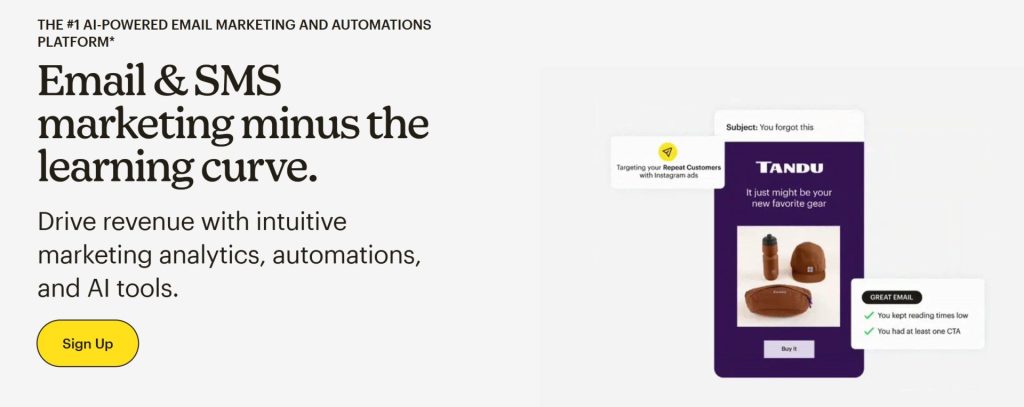
Mailchimp needs no introduction. The free tier includes email marketing, basic automations, and the official WooCommerce integration plugin.
That plugin has over 200,000 active installations on WordPress.org.
The WooCommerce integration syncs customer data, order history, and cart activity to Mailchimp. The free plan now includes abandoned cart automations, post-purchase follow-ups, and product recommendations.
You get a landing page builder, signup forms, and basic audience segmentation. The free plan supports up to 500 contacts and 1,000 email sends per month with Mailchimp branding on your emails.
Paid plans remove the branding, increase contact limits, and unlock the Customer Journey Builder for advanced multi-step automations.
- Best for: Stores already familiar with Mailchimp that want ecommerce automations without switching tools.
- Price: Free (500 contacts, 1,000 sends/month). Paid from $13/month.
- WooCommerce: Official free integration plugin (200K+ installs).
8. Agile CRM
Agile CRM is an all-in-one cloud platform that includes CRM, marketing automation, and helpdesk features in a single account. The free plan supports up to 10 users and 1,000 contacts with no time limit.
The native WooCommerce plugin syncs customers, orders, and web activity into Agile. You can set up web popups, track browsing behavior on your store, and trigger email campaigns based on purchase activity.
The free plan includes lead scoring, appointment scheduling, a landing page builder, and a basic helpdesk with canned responses. Email campaigns on the free plan carry Agile branding and are limited to 5,000 branded sends per month.
Paid plans start at $8.99 per user per month and unlock marketing automation workflows, social monitoring, and phone integration.
- Best for: Small teams that need CRM, marketing, and helpdesk in one free account.
- Price: Free for 10 users, 1,000 contacts. Paid from $8.99/user/month.
- WooCommerce: Native integration plugin.
Which Free CRM Fits Your Store?
The best free CRM for WooCommerce sales and marketing depends on what your store is missing right now. Most stores need one of three things.
If you do not know who to target: Start with CRMlytics. It tells you which customers are about to leave, who your best buyers are, and how many orders to expect.
Use those segments inside any email tool you like.
If you need email marketing and automations: MailPoet or Brevo give you WooCommerce-specific email campaigns at $0. MailPoet keeps everything inside WordPress.
Brevo adds SMS and a CRM pipeline.
If you need sales pipelines and deal tracking: HubSpot’s free CRM is the most complete option. Jetpack CRM gives you the same on your own server with invoicing and quotes built in.
If you need to recover abandoned carts: FunnelKit Automations Lite handles cart recovery and post-purchase sequences without a subscription fee.
If you want everything in one account: Agile CRM is a solid all-in-one for small teams that also need helpdesk features.
Why One CRM Is Rarely Enough
We found something odd testing these tools. No single free CRM handles both the analytics and the execution side of customer marketing well.
The tools that excel at sending emails and building automations (Mailchimp, Brevo, FunnelKit) do not tell you which customers are about to churn or who is worth your next marketing dollar. The one tool that does predict churn and forecast orders (CRMlytics) does not try to be a full marketing automation engine.
This is not a flaw. It is how successful ecommerce businesses operate at scale.
The pattern is everywhere once you look for it.
Klaviyo stores pair with Metorik for deeper analytics. ActiveCampaign users layer on Google Analytics and reporting add-ons.
HubSpot shops bolt on dedicated ecommerce analytics tools.
The reason is simple: operational automation and predictive analytics need different data handling. One tracks what happened and triggers the next action.
The other runs statistical models on historical patterns to forecast what will happen next.
For a WordPress store, the natural pairing is a native operational tool like FunnelKit Automations for cart recovery and email sequences, paired with CRMlytics for customer intelligence. CRMlytics identifies segments like “At Risk” customers locally on your server, and those segments feed into your automation tool’s triggers for targeted retention campaigns.
All of it runs on your own infrastructure. No data leaves your environment.
No per-contact pricing punishing you as your list grows.
Start With What You Are Missing
You do not need to install all eight tools. Pick the one that plugs the biggest hole in your current setup and start there.
If you are already sending emails but guessing who to send them to, add CRMlytics. If you have customer data sitting unused because you have no way to act on it, add FunnelKit Automations Lite or MailPoet.
Every tool on this list is free to install or sign up for. You can test them side by side and keep the ones that earn their place.