Best Free CRM for WooCommerce Comparison: 6 Tools That Actually Work at No Cost in 2026
Here is a scenario you have probably run into. You search for a “free CRM” for your WooCommerce store, find a promising tool, install it, and then realize the WooCommerce sync is locked behind a $30 per month plan.
The plugin was free but the actual store connection was not. That is the kind of frustration this guide is built to solve.
We tested and compared six tools where the WooCommerce integration is genuinely free. No hidden paywalls, no “upgrade to sync your orders” surprises. Each one connects to your store and pulls in your customer data without requiring a paid plan.
If you are looking for the best free CRM for WooCommerce comparison that tells you what actually works at no cost, this is it.
Before we get into the list, here is how we evaluated them. We looked at three things.
First, does the free tier actually sync WooCommerce data automatically? Second, what are the contact limits (if any) on the free plan? And third, does the tool focus on customer analytics, email automation, or both?
The right answer depends on what your store needs right now.
The 6 Best Free CRM for WooCommerce Options: Comparison Table
Here is a side-by-side look at all six tools. Use this table to narrow down your choices before reading the detailed reviews below.
| CRM | Architecture | Free Contact Limit | Email Campaigns | Abandoned Cart Recovery | Predictive Analytics | Automation Workflows | Data Ownership | Best For |
|---|---|---|---|---|---|---|---|---|
| CRMlytics | Native WP | Unlimited | Yes | No | Yes (churn, RFM, forecasts) | Basic campaigns | Your server | Customer intelligence & churn prevention |
| Jetpack CRM | Native WP | Unlimited | Paid add-on | No | No | No | Your server | B2B invoicing, quotes, client portals |
| FunnelKit Automations Lite | Native WP | Unlimited | Triggered emails | Yes | No | Yes (visual builder) | Your server | Abandoned cart recovery & automation |
| Brevo | Cloud | Unlimited | Yes (300/day) | Yes | No | Yes (up to 2,000 contacts) | Their servers | Unlimited contacts & email volume pricing |
| HubSpot for WooCommerce | Cloud | 1,000 | Yes (2,000/mo) | Yes | No | Basic | Their servers | Enterprise ecosystem & ad targeting |
| MailPoet | Native WP | 1,000 | Yes (5,000/mo) | Yes | No | Basic (Business+) | Your server | Email newsletters & transactional email design |
1. CRMlytics: Best for Predictive Customer Intelligence
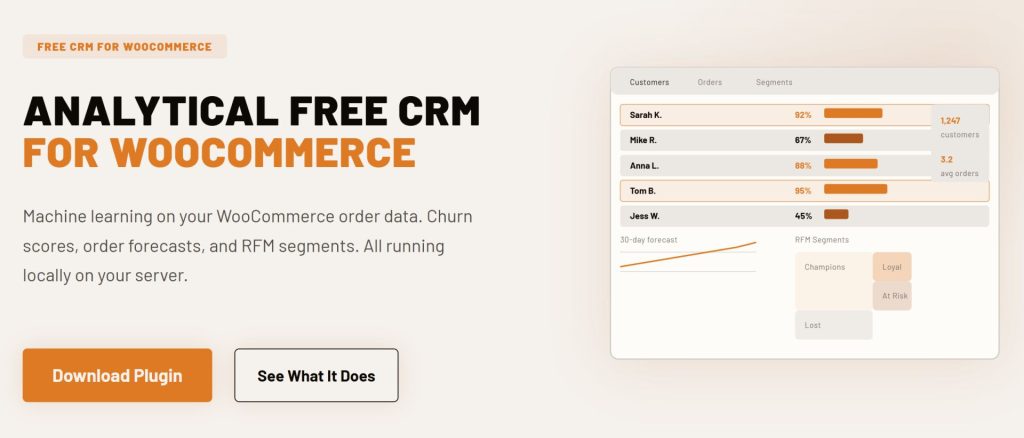
CRMlytics is a native WordPress analytical CRM that runs entirely on your own server. It is 100 percent free with no paid tiers or contact limits. Most CRMs focus on sending emails or building automation sequences. CRMlytics instead focuses on understanding your customers before you reach out to them.
The plugin reads your WooCommerce order history and runs machine learning models directly on your server. It calculates a health score from 0 to 100 for every customer based on their individual buying rhythm. If a customer scores below 40, they are at critical risk of churning.
CRMlytics also predicts how many orders each customer will place in the next 30, 90, and 180 days.
CRMlytics calculates RFM scores (Recency, Frequency, Monetary) automatically for every customer and sorts them into segments like Champions, Loyal, At Risk, and Lost. You can build custom segments by stacking rules based on order count, average order value, health score, tags, and purchase dates. Built-in email campaigns with five templates, click tracking, color-coded smart tags, customer timelines, custom fields, and one-click CSV export are all included.
Everything runs on your server with no API calls or cloud sync. CRMlytics has been tested on stores with over 200,000 orders without affecting storefront performance.
- Architecture: Native WordPress plugin
- Rating: 5 out of 5 stars on WordPress.org
- Free tier limits: 100 percent free. Unlimited contacts and orders. No paid tiers.
- Best for: Store owners who want predictive analytics and customer intelligence without paying enterprise prices.
2. Jetpack CRM: Best for Invoicing and B2B Sales
Jetpack CRM is owned by Automattic, the company behind WordPress.com and WooCommerce. The core plugin is free and includes a built-in WooSync module that pulls in your store data automatically. It used to be called “Zero BS CRM” and that philosophy of keeping things simple has stayed.
The free WooSync module imports your WooCommerce customers and orders automatically. You also get client portals where customers can log in and view their past quotes, invoices, and transactions.
The quote builder lets you create and send professional quotes from your WordPress dashboard. Accepted quotes convert into invoices with one click. For B2B stores, you can manually bill clients for services or bulk orders that do not fit a standard WooCommerce checkout.
Some premium extensions like Stripe sync, PayPal sync, and Mail Campaigns cost extra. But the free WooCommerce connection and core CRM features work out of the box. Over 30,000 stores run Jetpack CRM.
- Architecture: Native WordPress plugin
- Rating: 4.3 out of 5 stars on WordPress.org (30,000+ active installations)
- Free tier limits: Unlimited contacts. Premium extensions cost extra.
- Best for: Freelancers, B2B sellers, and wholesale operators who need invoicing, quotes, and client management alongside WooCommerce.
3. FunnelKit Automations Lite: Best for Abandoned Cart Recovery
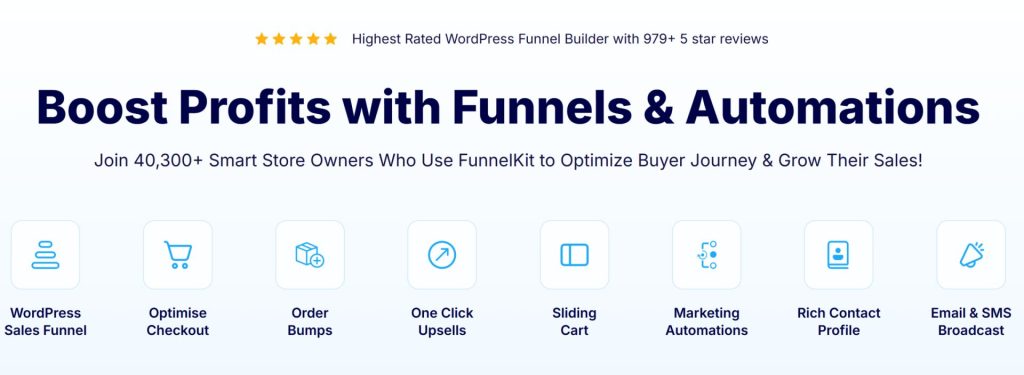
FunnelKit Automations (formerly Autonami) is a WordPress-native marketing automation plugin built for WooCommerce. The free Lite version includes features that most competitors lock behind a paywall, including a working abandoned cart recovery workflow and a visual automation builder. All contact data stays on your own server.
You build automation sequences using a drag-and-drop interface with triggers based on WooCommerce events like new orders, status changes, and refunds. The Lite version includes a pre-built abandoned cart workflow that captures cart data and sends follow-up reminders. Pre-built automation recipes for welcome emails, post-purchase follow-ups, and review collection are available with one click.
Over 40,000 stores use FunnelKit Automations. It has a 4.9 out of 5 rating on WordPress.org from hundreds of five-star reviews. The free version stores unlimited contacts.
If you later need advanced segmentation, SMS marketing, or a drag-and-drop email designer, the Pro version starts at $99.50 per year.
- Architecture: Native WordPress plugin
- Rating: 4.9 out of 5 stars on WordPress.org (40,000+ active installations)
- Free tier limits: Unlimited contacts. No broadcast campaigns, SMS, or advanced segmentation in the free version.
- Best for: Stores where abandoned carts are leaving money on the table. The free cart recovery workflow alone makes this worth installing.
BTB Media, a fast-growing eCommerce business, implemented an abandoned cart recovery system on their WooCommerce stores and saw their cart abandonment rate drop from 70 percent to 50 percent. That change led to a 20 percent boost in overall revenue and a 30 percent improvement in customer retention. You can find the full case study at wisdmlabs.com. A free tool like FunnelKit Automations Lite can get you similar results.
4. Brevo: Best for Unlimited Contacts on a Cloud Platform
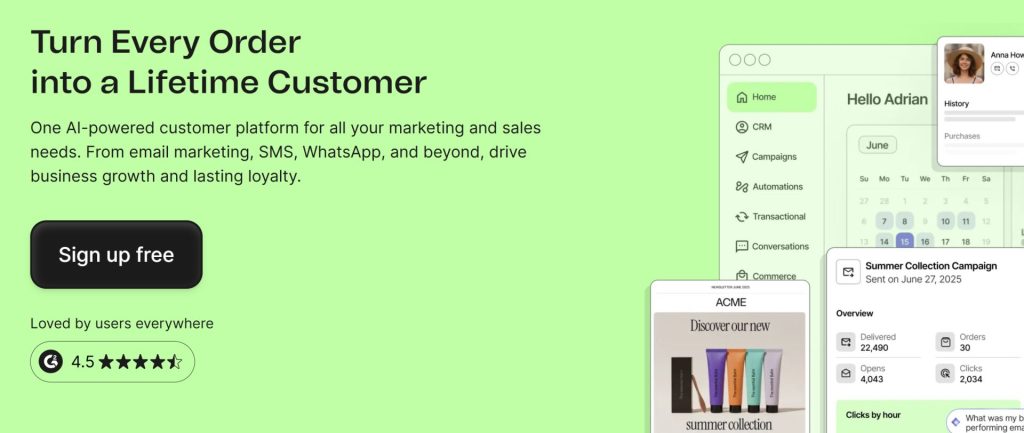
Brevo (formerly Sendinblue) is a cloud-based marketing platform with a free WooCommerce plugin that syncs your store data in real time. The big difference from most cloud CRMs is that Brevo’s free plan has unlimited contact storage. You pay based on email volume, not contact count. Brevo has over 500,000 active business accounts and a 4.5-star rating on G2 from over 2,300 reviews.
The WooCommerce plugin is quick to install and starts syncing your existing customers and orders right away. It also places a tracking script on your store so you can monitor customer behavior like product views, cart updates, and purchases.
The free plan lets you send up to 300 emails per day (roughly 9,000 per month) using their drag-and-drop editor. Basic marketing automation for up to 2,000 contacts is included. Brevo’s Conversations feature gives you free live chat for one user.
- Architecture: Cloud SaaS (data lives on Brevo’s servers)
- Rating: 4.5 out of 5 stars on G2 (500,000+ business accounts)
- Free tier limits: 300 emails per day, unlimited contacts, 1 user. Brevo branding in emails.
- Best for: Store owners who want a multi-channel marketing tool with unlimited contact storage on the free plan.
5. HubSpot for WooCommerce: Best for Enterprise Features on a Free Tier
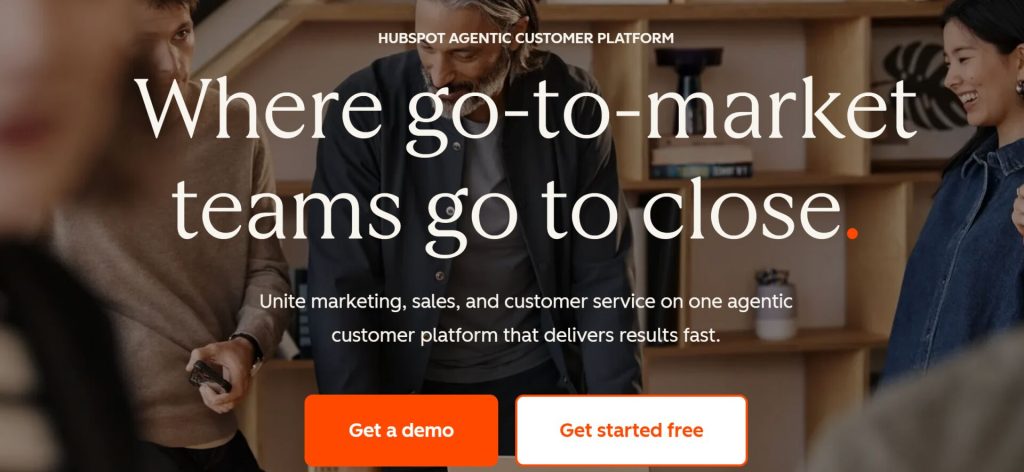
HubSpot for WooCommerce connects your store to HubSpot’s free CRM tier. You do not manage customers inside WordPress with this one. Instead, the plugin syncs your data to HubSpot’s external dashboard where you handle your marketing and sales. The integration plugin is free, and so is HubSpot’s base CRM. HubSpot has over 288,000 customers globally and a 4.4-star rating on G2 from over 10,000 reviews.
The free tier includes contact and order sync, abandoned cart tracking, one deal pipeline, live chat, meeting scheduling, and email tracking. You can connect your HubSpot account to Facebook, Instagram, LinkedIn, and Google Ads to build audiences from your purchase data.
The main limitation is the 1,000-contact cap for accounts created after September 2024. Growing stores will hit that limit fairly quickly. Advanced marketing automation requires paid plans starting at $20 per month.
- Architecture: Cloud SaaS (data lives on HubSpot’s servers)
- Rating: 4.4 out of 5 stars on G2 (288,000+ customers). WordPress plugin: 3.9 out of 5 stars (7,000+ active installations)
- Free tier limits: 1,000 contacts, 2 users, 2,000 marketing emails per month. HubSpot branding on all assets.
- Best for: Stores that plan to scale into a larger marketing operation and do not mind data living on external servers.

6. MailPoet: Best for Email Newsletters and Transactional Emails
MailPoet is primarily an email marketing tool, but it also works as a lightweight CRM for stores that communicate mainly through newsletters. It runs entirely inside your WordPress dashboard. You write emails, check open rates, and manage subscriber lists without leaving your site. MailPoet also solves a common headache: email deliverability. Its dedicated sending service handles the technical side of getting your emails into inboxes, even on the free plan.
The free plan covers up to 1,000 subscribers with 5,000 emails per month. You can use the drag-and-drop builder to redesign the default WooCommerce transactional emails and make them look professional.
Automated store emails for abandoned cart recovery, first-time purchase follow-ups, and product recommendations are all included. There are over 70 email templates to start from. More than 500,000 active installations make MailPoet one of the most common email tools in WordPress.
Badeloft, a luxury bathroom brand running on WooCommerce, used segmented email flows to grow their email-driven revenue by 40 percent after migrating to a platform with better WooCommerce integration. Their abandoned cart recovery emails alone now produce 15 to 20 percent of monthly email-attributed revenue. You can read the full case study at o-rex.com. While Badeloft used a paid tool, the same type of segmented email approach is available for free with MailPoet’s automation features.
- Architecture: Native WordPress plugin
- Rating: 4.4 out of 5 stars on WordPress.org (500,000+ active installations)
- Free tier limits: 1,000 subscribers, 5,000 emails per month. MailPoet branding in emails.
- Best for: New stores that focus on email engagement and want a built-in sending service without leaving WordPress.
How to Choose the Right Free CRM for Your Store
The right tool depends on what you need most right now. Here is how we would break it down based on the best free CRM for WooCommerce comparison above.
- You want to understand your customers better. Pick CRMlytics. The predictive analytics, health scores, and RFM segmentation give you insights that usually cost hundreds of dollars per month on other platforms.
- You need to send invoices and manage B2B relationships. Pick Jetpack CRM. The client portals and quote builder are built for service-based and wholesale businesses.
- You want to recover abandoned carts without paying. Pick FunnelKit Automations Lite. The free version has a working abandoned cart workflow, which most competitors charge for.
- You want unlimited contacts on a cloud platform. Pick Brevo. No other free cloud CRM on this list gives you unlimited contact storage.
- You plan to grow into a large marketing operation. Pick HubSpot for WooCommerce. The free tier has limits, but it connects you to one of the biggest marketing ecosystems available.
- Email newsletters are your main channel. Pick MailPoet. The WooCommerce email customizer and built-in sending service make it the best free option for email-focused stores.
Why Two Tools Beat One
After going through all six options, we think the mistake most store owners make is trying to solve every problem with a single CRM. Many successful stores use two tools together.
They use an analytical CRM like CRMlytics to figure out who needs attention (churning customers, high-value segments, forecasted buyers). Then they use an operational CRM like FunnelKit Automations Lite or MailPoet to send the actual emails.
This two-tool approach is not unusual. Klaviyo pairs with Metorik for analytics. ActiveCampaign pairs with Google Analytics for reporting.
HubSpot has its own reporting add-ons. The pattern repeats across the industry: separate the intelligence layer from the execution layer. On WordPress, you can do the same thing for free.
CRMlytics handles the “who to target” part. FunnelKit or MailPoet handles the “how to reach them” part. Together, they give you better targeting than a single expensive subscription.
Wrapping Up
You do not need a big budget to start managing your customers properly. Every tool on this list has a working free connection to WooCommerce that pulls in your store data without costing anything. Whether you want deep predictive analytics, abandoned cart recovery, or a simple contact dashboard, the best free CRM for WooCommerce comparison shows there is a tool that fits your needs.
If we had to pick one starting point, we would install CRMlytics for customer intelligence and pair it with FunnelKit Automations Lite or MailPoet for email outreach. Both are free. Connect one to your store this week and see what your order data has been telling you.