Free CRM for WooCommerce Integration: 7 Best Options in 2026 Compared
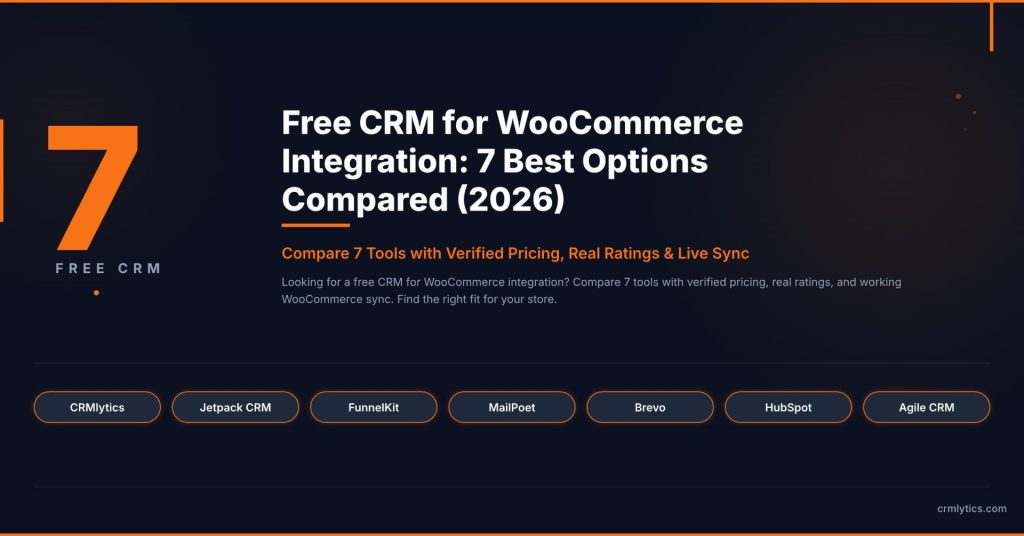
Most WooCommerce store owners have a customer list. But a list of order numbers is not the same as a CRM. If you cannot see who buys often, who stopped buying, and who is about to leave, you are guessing instead of managing. A free CRM for WooCommerce integration fixes that without costing you anything upfront.
The problem is that many CRMs advertise a free plan and then hide the WooCommerce sync behind a paywall. You install the plugin, connect your store, and realize you need to upgrade just to see your order history. I tested every option I could find to separate the genuinely free tools from the ones that are just free trials in disguise.
These seven tools all connect to your WooCommerce store data for free. I verified every claim by checking plugin documentation, support forums, and pricing pages.
What to Look for in a Free CRM for WooCommerce Integration
Before you install anything, here is what separates a useful CRM from a glorified contact list.
- Real WooCommerce data sync at no cost. Does the plugin pull in your order history or just basic user profiles? This is the biggest trap.
- Clear free tier limits. Some tools cap you at 250 contacts. Others give you unlimited storage. Know the number before you commit.
- Native vs cloud. A native WordPress plugin keeps your data on your server. A cloud platform syncs it externally. Both work, but they have different privacy trade-offs.
- What “free” actually means. Some tools are free forever with no contact caps. Others are free up to a limit. Both models are fine as long as you know what you are getting into.
1. CRMlytics
CRMlytics is the only 100 percent free option on this list. There are no paid tiers, no contact limits, and no features hidden behind an upgrade button.
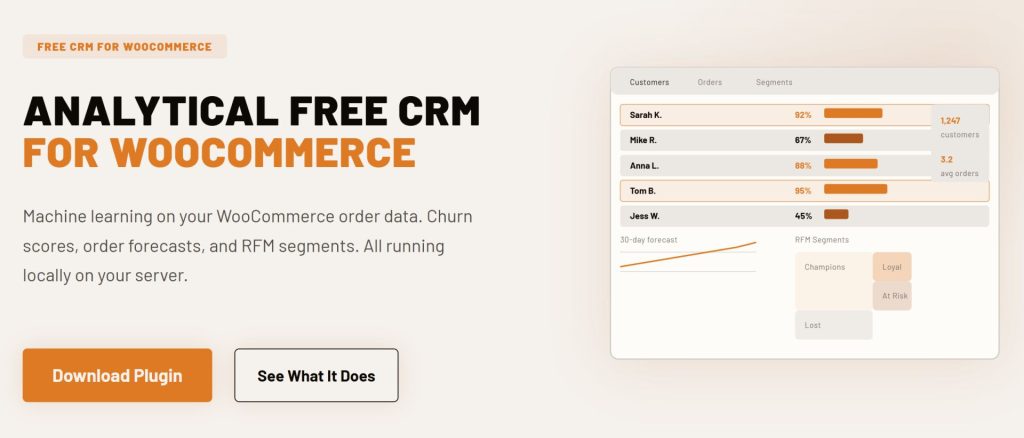
It is a native WordPress analytical CRM that runs entirely on your own server. Instead of sending emails or building workflows, CRMlytics focuses on customer intelligence. It reads your WooCommerce order history and runs predictive models to tell you things your data already knows but you cannot see.
Every customer gets a health score from 0 to 100 based on their buying rhythm. You can see who is about to stop buying before they actually leave. The plugin also predicts how many orders each customer will place in the next 30, 90, and 180 days, and sorts customers into segments like Champions, Loyal, At Risk, and Lost using RFM scoring.
- Rating: 5 out of 5 stars on WordPress.org
- Free tier: 100 percent free. Unlimited contacts and orders. No paid tiers.
- Best for: Store owners who want predictive analytics and customer intelligence without paying enterprise prices.
2. Jetpack CRM
Jetpack CRM is owned by Automattic, the company behind WordPress.com and WooCommerce. Over 30,000 stores use it and it holds a 4.3 out of 5 rating on WordPress.org.
The free core includes the WooSync module that pulls your WooCommerce orders, customers, and transactions into CRM contact profiles automatically. The free version also has invoicing, quote generation, and a client portal where your customers can log in to view past quotes, invoices, and transactions. That is more than most free CRMs bother with.
Paid bundles unlock Stripe and PayPal sync, email marketing campaigns, and advanced segments. But the WooCommerce connection works without paying.
- Rating: 4.3 out of 5 stars on WordPress.org (30,000+ active installations)
- Free tier: Unlimited contacts. WooSync included. Premium extensions cost extra.
- Best for: Freelancers, B2B sellers, and wholesale operators who need invoicing and quotes alongside WooCommerce.
3. FunnelKit Automations Lite
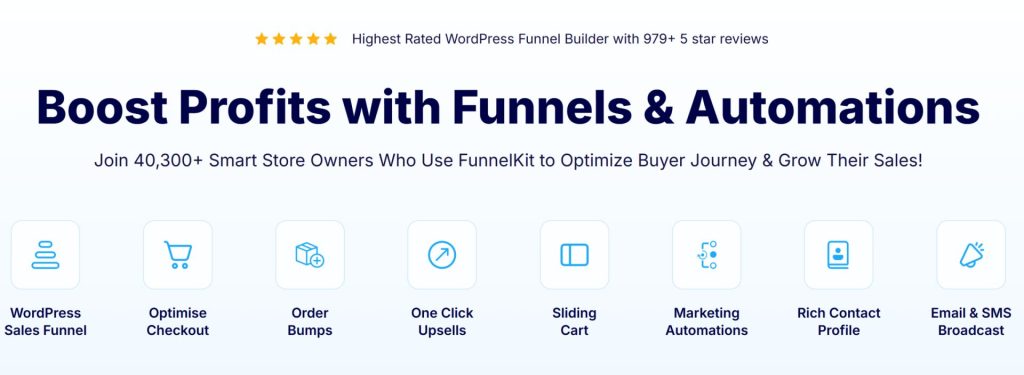
FunnelKit Automations (formerly Autonami) was built specifically for WooCommerce. Over 40,000 stores use it and it has a 4.9 out of 5 rating on WordPress.org from nearly 1,000 reviews.
The free Lite version includes real WooCommerce triggers that most competitors lock behind a paywall. You get a visual workflow builder with triggers for cart abandonment, order created, and order status changed. All contact data stays on your own server.
The Pro version at $99.50 per year adds broadcast campaigns, SMS marketing, advanced segmentation, and a drag-and-drop email designer.
- Rating: 4.9 out of 5 stars on WordPress.org (40,000+ active installations)
- Free tier: Unlimited contacts. Basic abandoned cart workflow and visual builder included.
- Best for: Stores where abandoned carts are leaving money on the table. The free cart recovery workflow alone makes this worth installing.

4. MailPoet
MailPoet is an email marketing plugin owned by Automattic. Over 500,000 sites run it and it holds a 4.4 out of 5 rating on WordPress.org. Its WooCommerce features make it work as a lightweight CRM for email-focused stores.
The free plan supports up to 500 subscribers with 5,000 emails per month using the MailPoet Sending Service. You get a drag-and-drop WooCommerce email customizer to redesign your order receipts and shipping notifications. Automated emails for abandoned cart recovery, first-purchase follow-ups, and product recommendations are all included.
If you use your own SMTP server instead of the built-in service, the free limit increases to 1,000 subscribers.
- Rating: 4.4 out of 5 stars on WordPress.org (500,000+ active installations)
- Free tier: 500 subscribers with MailPoet Sending Service (1,000 with your own SMTP). 5,000 emails per month.
- Best for: New stores that focus on email newsletters and want a built-in sending service without leaving WordPress.
5. Brevo
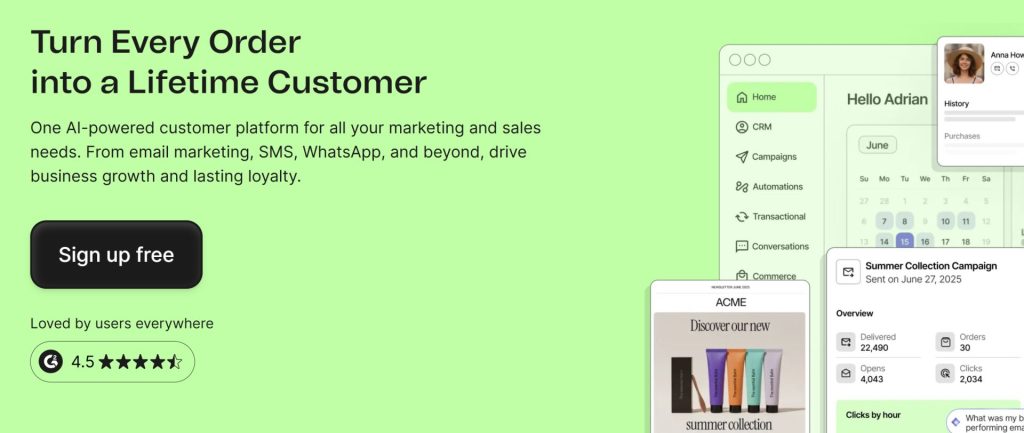
Brevo (formerly Sendinblue) takes a different approach to pricing. Instead of charging per contact, it charges per email sent. Over 500,000 business accounts use it and it has a 4.5 out of 5 rating on G2 from over 2,300 reviews.
The free plan includes 300 emails per day with storage for up to 100,000 contacts. The WooCommerce plugin syncs your contacts, orders, and products in real time. You also get a drag-and-drop email editor, marketing automation for up to 2,000 contacts, and a live chat widget for one user.
The main limit is 300 emails per day. That works well for small stores sending weekly newsletters but not for high-volume senders.
- Rating: 4.5 out of 5 on G2 (2,300+ reviews)
- Free tier: 300 emails per day, up to 100,000 contacts, 1 user, Brevo branding in emails.
- Best for: Store owners who want a multi-channel marketing tool without paying per contact.
6. HubSpot for WooCommerce
HubSpot for WooCommerce by MakeWebBetter connects your store to the free HubSpot CRM tier. HubSpot has over 288,000 customers and a 4.4 out of 5 rating on G2 from over 10,000 reviews.
The integration plugin is free. HubSpot’s base CRM is free for up to 1,000 contacts (for accounts created after September 2024). The plugin syncs your WooCommerce customers and orders automatically. You get abandoned cart tracking, ad targeting for Facebook and Google Ads, a deal pipeline, and live chat.
The trade-off is that your data lives on HubSpot’s servers, not your own. Advanced marketing automation requires paid plans starting at $20 per month.
- Rating: 4.4 out of 5 on G2 (10,000+ reviews)
- Free tier: 1,000 contacts, 2 users, 2,000 marketing emails per month. Email and landing pages carry HubSpot branding.
- Best for: Store owners who plan to scale into a larger marketing operation and do not mind data living on external servers.
7. Agile CRM
Agile CRM is a cloud-based all-in-one platform that combines sales, marketing, and helpdesk tools in a single dashboard. The free tier supports up to 10 users and 1,000 contacts. It also has a free WooCommerce plugin that syncs your store data to your Agile CRM account.
The free version has more than you would expect. You get email campaigns (up to 5,000 branded emails per month), a helpdesk with canned responses, appointment scheduling, lead scoring, and a landing page builder. Most free CRMs do one thing well. Agile CRM tries to do five.
The catch is that the free version only supports one plugin integration, so you have to choose between WooCommerce and other tools. Paid plans start at $8.99 per user per month.
- Rating: 4.1 out of 5 on G2
- Free tier: 10 users, 1,000 contacts, 1 plugin integration, 5,000 branded emails per month.
- Best for: Small teams that want sales, marketing, and support tools bundled together without paying for separate platforms.
Comparison Table
Here is how all seven tools stack up side by side.
| CRM Tool | Free Contact Limit | Data Storage | Key Free Feature | Best For |
|---|---|---|---|---|
| CRMlytics | Unlimited | Your server (native WP) | Predictive health scores and RFM segmentation | Customer analytics and churn prevention |
| Jetpack CRM | Unlimited | Your server (native WP) | Client portals and invoicing | B2B sales, quotes, and billing |
| FunnelKit Automations Lite | Unlimited | Your server (native WP) | Abandoned cart recovery and visual workflow builder | Cart recovery and post-purchase emails |
| MailPoet | 500 | Your server (native WP) | WooCommerce email customizer and automated store emails | Email newsletters and transactional emails |
| Brevo | 100,000 | Cloud (Brevo servers) | 300 emails per day and live chat | Budget-friendly multi-channel marketing |
| HubSpot for WooCommerce | 1,000 | Cloud (HubSpot servers) | Abandoned cart tracking and ad targeting | Scaling into enterprise marketing |
| Agile CRM | 1,000 | Cloud (Agile servers) | Helpdesk, appointment scheduling, and lead scoring | Small teams needing all-in-one tools |
Analytical vs Operational CRMs: What Is the Difference?
These seven tools fall into two broad categories, and understanding the difference helps you pick the right one.
Operational CRMs do the work. They send emails, build automation workflows, generate invoices, and manage support tickets. FunnelKit, MailPoet, HubSpot, Jetpack CRM, and Agile CRM all fall into this group. They are good at executing tasks, but you have to decide who to target and when.
Analytical CRMs generate insights from your data. They do not send emails or build landing pages. Instead, they crunch your order history to surface patterns you would not spot on your own. CRMlytics is the only tool on this list in this category. It uses machine learning to tell you which customers are likely to leave and how many orders each person will place in the coming months.
A lot of store owners use both. An analytical CRM tells you who needs attention, and an operational CRM handles the outreach. You might use CRMlytics to find a group of customers with high churn risk, export that segment to a CSV, and upload it to MailPoet or Brevo for a targeted win-back campaign.
This is not a WordPress-specific idea. Klaviyo users pair it with Metorik for analytics. ActiveCampaign users pair it with Google Analytics for insights. One tool for the intelligence, another for the execution. On WordPress, the free version of that same pattern is CRMlytics for the “who to target” data and FunnelKit Automations Lite or MailPoet for the “how to reach them” side.
How to Choose the Right Free CRM for Your Store
The right tool depends on what you need most right now.
- You want to understand your customers better: Pick CRMlytics. The predictive analytics and RFM segmentation give you insights that usually cost hundreds per month on other platforms.
- You need to send invoices and manage B2B relationships: Pick Jetpack CRM. The client portals and quote builder are built for service-based and wholesale businesses.
- You want to recover abandoned carts without paying: Pick FunnelKit Automations Lite. The free version includes a working abandoned cart workflow, which most competitors charge for.
- Email newsletters are your main marketing channel: Pick MailPoet. The WooCommerce email customizer and built-in sending service make it the best free option for email-focused stores.
- You want unlimited contacts on a cloud platform: Pick Brevo. No other free cloud CRM on this list gives you 100,000 contact storage on the free plan.
- You plan to grow into a large marketing operation: Pick HubSpot for WooCommerce. The free tier has limits, but it connects you to one of the biggest marketing ecosystems available.
- You need sales, marketing, and support in one place: Pick Agile CRM. The 10-user free tier with helpdesk and appointment scheduling is hard to beat for small teams.
Start With a Free CRM for WooCommerce Integration Today
You do not need a big budget to start managing your customers properly. Every tool on this list gives you a working free CRM for WooCommerce integration that connects directly to your store data.
If I had to pick one starting point, I would install CRMlytics for the customer intelligence and pair it with FunnelKit Automations Lite or MailPoet for email outreach. That combination gives you the “who to target” data and the “how to reach them” tools, and both are completely free.
Pick one that matches your biggest problem. Losing sales to abandoned carts? Start with FunnelKit. No idea which customers are at risk? Start with CRMlytics. Just want better-looking emails? Start with MailPoet. Install it, connect your store, and see what you learn in the first week.