The Best WooCommerce CRM for Small Business in 2026: 12 Tools Compared
If you run a WooCommerce store, you already have the data. Customer names, email addresses, order histories, products viewed, carts abandoned. The hard part is turning that data into something useful. That is where a WooCommerce CRM for small business comes in. It helps you see who your best customers are, who is about to leave, and where you should focus your marketing budget.
I compared 12 different CRMs across pricing, features, and real-world usability. Some are native WordPress plugins that keep your data on your own server. Others are cloud-based platforms with more polish and a monthly fee. Each one has strengths and real weaknesses.
What Small Businesses Need From a WooCommerce CRM
Before we get into the tools, here are the criteria I used to evaluate each one. These matter more for a small business than for an enterprise team with a dedicated marketing stack.
- Pricing model: Per-contact pricing punishes you for growing. Flat-rate or free is better for small stores.
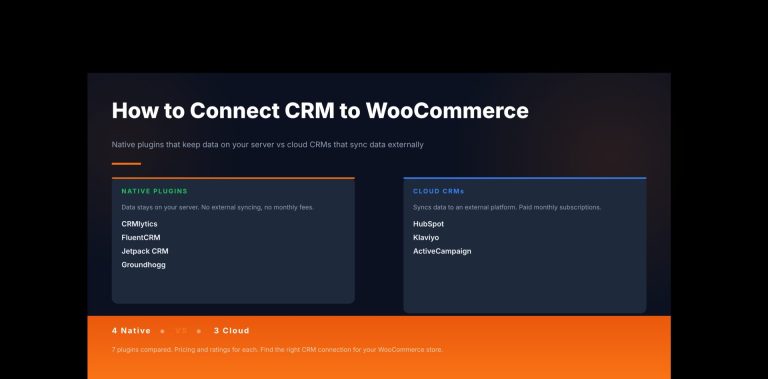
- Data ownership: Self-hosted tools keep your customer data on your server. Cloud tools sync it elsewhere. This matters for privacy and for what happens if you cancel.
- WooCommerce integration depth: Native integration beats third-party bridges every time for reliability and data accuracy.
- Automation capability: Abandoned cart recovery alone can bring back 5 to 15 percent of lost revenue. Post-purchase follow-ups and win-back sequences matter too.
- Analytics and predictions: The best tools tell you who will churn and who will buy again, not just what already happened.
- Ease of setup: Can a non-technical store owner install and configure this in one afternoon?
The 12 Best WooCommerce CRM Options for Small Business
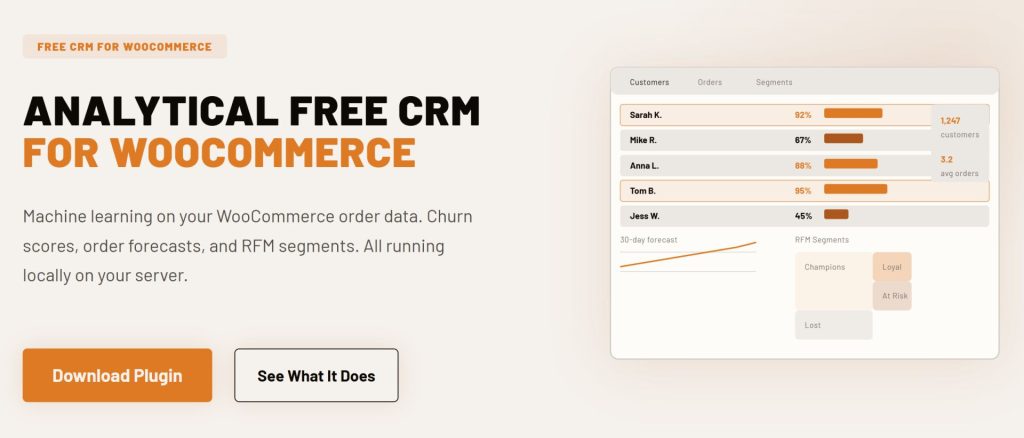
1. CRMlytics (Native WordPress) – Best Free Predictive Analytics CRM
CRMlytics is a native WordPress plugin that is 100% free with no paid tiers, no upsells, and no contact limits. It is an analytical CRM, which means it focuses on telling you things about your customers that your order history already knows but you cannot see on your own.
Instead of sending automated emails, CRMlytics runs statistical models on your WooCommerce data to predict which customers are about to churn. Every customer gets a health score from 0 to 100. Below 40 is critical. New customers who ordered once start around 80 and drop over time if they do not return. The tool also calculates RFM scores (Recency, Frequency, Monetary) automatically. You see who your Champions, Loyal, At Risk, and Lost customers are without any manual work.
It also forecasts how many orders each customer will place in the next 30, 90, and 180 days. Smart tags update themselves based on behavior. You can build custom segments by stacking rules like total orders, average order value, and health score. Customer timelines show every interaction in one place. You can email a segment or tagged group directly from the plugin.
- Price: Free forever
- Native or Cloud: Native WordPress plugin
- Active installs: Fewer than 10 (new release May 2026, version 1.0.0)
- Rating: 5 out of 5 stars on WordPress.org (1 review)
- WooCommerce requirements: Yes, requires WooCommerce
- Tested on: 200,000+ orders and 15,000 customers with zero storefront impact
Where it falls short: CRMlytics has no marketing automation builder, no abandoned cart recovery, and no workflow system. It is not a replacement for tools like FunnelKit or FluentCRM. The community is tiny right now. Email delivery depends on your server’s mail configuration.
Best for: Store owners who want real predictive analytics, churn detection, and RFM scoring at zero cost. It works best when paired with an operational CRM for the automation side.
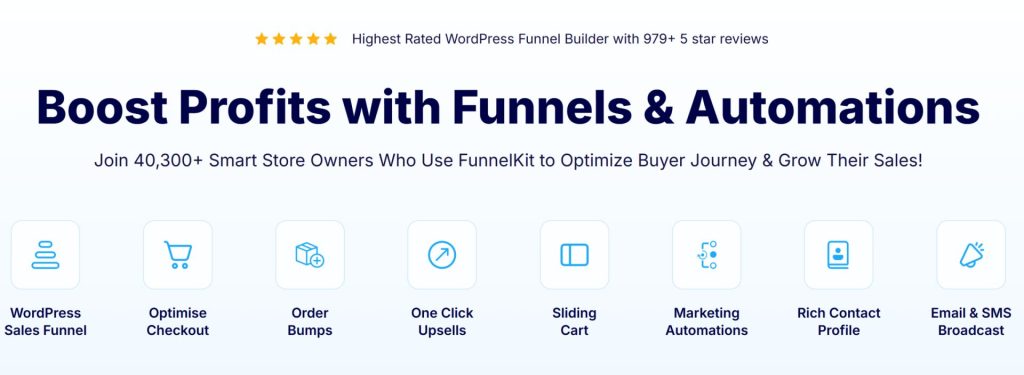
2. FunnelKit Automations (Native WordPress) – Best for WooCommerce Revenue Automation
FunnelKit Automations was built specifically for WooCommerce, and you can feel it in the integration depth. Abandoned cart recovery, post-purchase sequences, cross-sell campaigns, upsell offers, and review requests all work out of the box without extra plugins. The visual automation builder supports branching logic based on order value, product category, and customer behavior.
It connects with over 100 plugins and WooCommerce extensions including Memberships and Subscriptions. A/B testing is built in for subject lines, content, discounts, and send timing. You can set up sophisticated flows like “if the customer bought shoes, offer socks after 3 days; if they bought a laptop, offer a case after 5 days” entirely through the interface.
- Price: Free lite version on WordPress.org. Pro starts at $99.50 per year for 1 site
- Native or Cloud: Native WordPress plugin
- Key features: Visual automation builder, abandoned cart recovery, post-purchase sequences, dynamic coupons, A/B testing, SMS and push notifications
- Best for: WooCommerce stores where cart recovery and post-purchase automation are the main goals
Where it falls short: FunnelKit is weak outside of WooCommerce. It does not integrate with LMS plugins or membership platforms the way FluentCRM does. It has zero predictive analytics. The email builder works but it is not as polished as Klaviyo or ActiveCampaign.
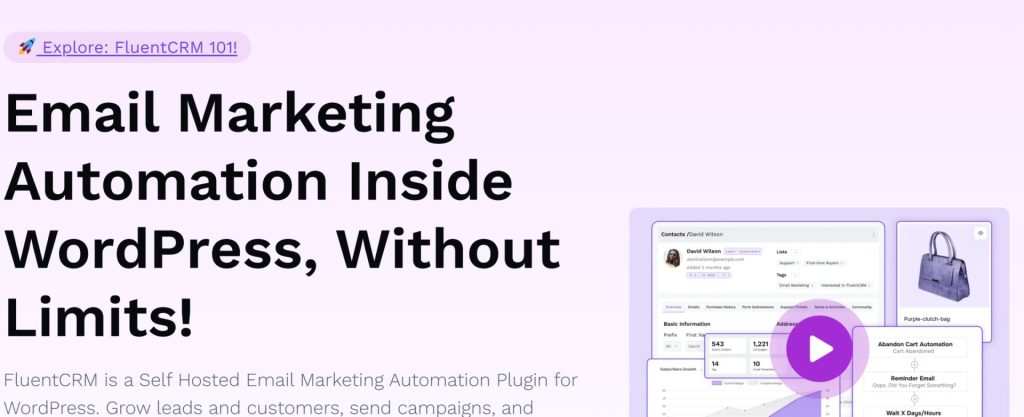
3. FluentCRM (Native WordPress) – Best for Email Marketing at Scale
FluentCRM is the most popular WordPress-native CRM with over 80,000 active installations and a 96% five-star rating on WordPress.org. It is self-hosted, stores everything in your own database, and charges a flat annual fee regardless of how many contacts you have. That alone makes it one of the most cost-effective options as your store grows.
The automation builder is comprehensive with triggers for WooCommerce purchases, form submissions, membership changes, and custom events. Contact profiles show purchase history, email engagement, and support interactions in one view. Version 3.0 added SMS marketing with two-way messaging. The platform integrates with 45+ WordPress plugins natively. A/B testing for email subject lines and send times is included in every plan.
- Price: Free core available. Pro from $129 per year (1 site, often discounted to $103). Small Business $249/year (5 sites). Agency $499/year (50 sites)
- Native or Cloud: Native WordPress plugin
- Active installs: 80,000+
- Key features: Unlimited contacts, visual automation builder, 45+ integrations, SMS marketing, A/B testing, advanced segmentation, 360 contact profiles
Where it falls short: You need to configure SMTP separately (Amazon SES, SendGrid, or similar). The email editor works but does not match the design polish of Klaviyo. There is no autosave in the email composer. No predictive analytics for churn or customer health.
4. Jetpack CRM (Native WordPress) – Best for Simple Contact Management and Invoicing
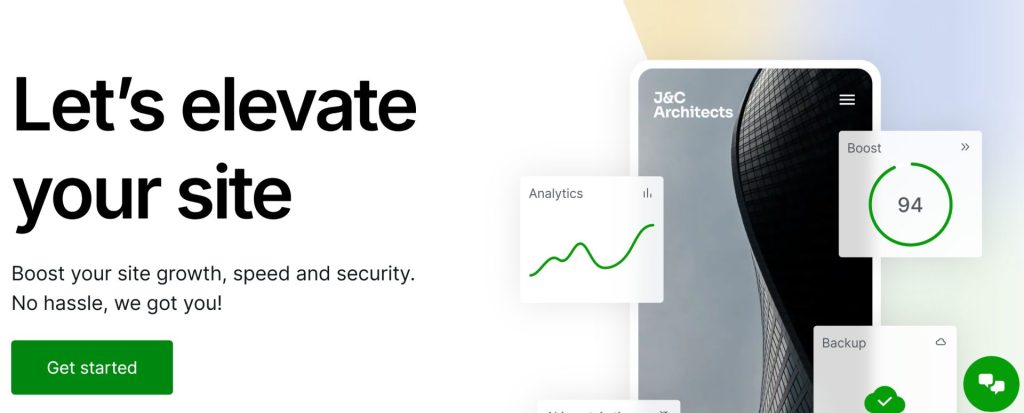
Jetpack CRM is built by Automattic, the same company behind WordPress.com and WooCommerce. The free core handles contact management, invoicing, quotes, and transaction tracking. It integrates with WooCommerce through the WooSync module, which automatically creates customer records from orders.
The interface is clean and approachable. It includes a client portal where customers can view their invoices and manage their information. B2B mode allows you to track company-contact relationships for wholesale accounts. There are over 30 premium extensions available for advanced needs.
- Price: Free core. Freelancer $11/month ($129/year) includes 4 extensions. Entrepreneur $17/month ($199/year) includes all 30+ extensions. Reseller $649/year for 10 sites
- Native or Cloud: Native WordPress plugin
- Key features: WooCommerce sync, invoicing, quotes, client portal, transaction tracking, contact and company management, 30+ extensions
Where it falls short: The free version is limited. Segmentation is tag-based only with no WooCommerce-specific filters. Automation covers quotes and invoices but not cart abandonment or order follow-ups. Email broadcasting costs an extra $79 per year. The sales dashboard costs an extra $129 per year. Most useful features require paid extensions.
5. Groundhogg (Native WordPress) – Best CRM for Agencies and Developers
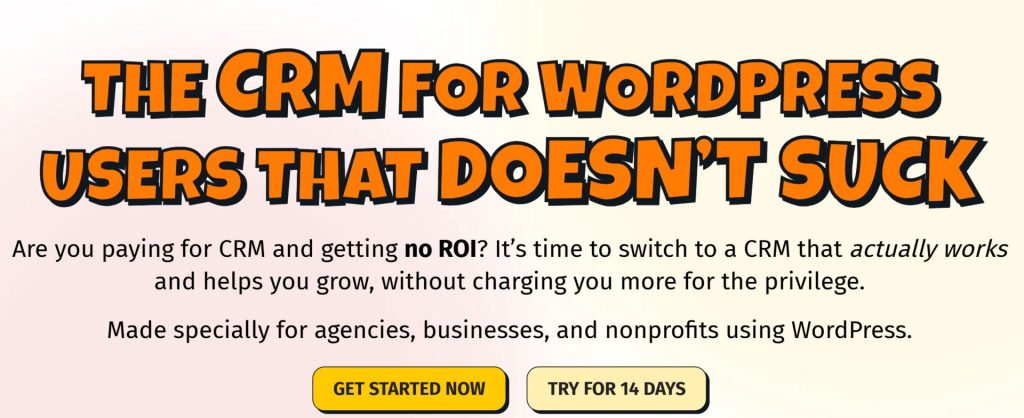
Groundhogg is built for white-labeling and rebranding. You can modify everything, redistribute it, and put your own brand on it for client projects. The Agency plan at $100 per month includes white-label branding and allows use on up to 25 sites. This makes it the most flexible option for agencies and developers who need full control over their tech stack.
Version 4.0 (released March 2025) brought a redesigned flow editor with drag-and-drop triggers, conditional branching, and lead scoring that sorts contacts as hot, warm, or cold automatically. The native WooCommerce integration includes order-based triggers, dynamic coupon generation, and customer segmentation by purchase history. SMS and WhatsApp messaging are available through Twilio integration.
- Price: Free core. Basic $20/month. Plus $40/month. Pro $50/month. Agency $100/month. Unlimited contacts on every paid plan. WooCommerce add-on $99/year for 1 site
- Native or Cloud: Native WordPress plugin
- Key features: Visual flow editor, lead scoring, WooCommerce integration, SMS/WhatsApp via Twilio, REST API, white-label on Agency plan
- Best for: Agencies and developers who need white-label CRM flexibility, and flat-rate pricing without per-contact fees
Where it falls short: Setup requires technical knowledge. You must configure SMTP services, set up server-level cron jobs, and manage caching exclusions. The documentation assumes existing CRM knowledge. The WooCommerce integration is a paid add-on, not included in the base plans.

6. Klaviyo (Cloud) – Best Cloud Platform for Email and Predictive Analytics
Klaviyo combines a Customer Data Platform with email, SMS, mobile push, and product review marketing. It syncs WooCommerce data in real time and builds unified customer profiles automatically. The predictive analytics engine calculates customer lifetime value, churn risk probability, and predicted next order date for every contact.
The platform includes 60+ pre-built automation flows for abandoned cart recovery, browse abandonment, post-purchase sequences, win-back campaigns, and more. Segmentation is the strongest feature in this category. You can build segments based on purchase behavior, email engagement, predictive analytics values, web activity, and custom properties combined with AND/OR logic.
- Price: Free up to 250 contacts and 500 emails per month. Email plan from $20/month (500 contacts). Email+SMS from $35/month. Scales to $150/month at 10,000 contacts, $1,380/month at 100,000 contacts. Marketing Analytics add-on starts at $100/month
- Native or Cloud: Cloud (SaaS)
- Key features: Predictive CLV and churn, 60+ prebuilt automation flows, AI-powered segmentation, browse abandonment, product reviews, real-time WooCommerce sync
Where it falls short: Contact-based pricing gets expensive fast. At 100,000 contacts you pay over $1,380 per month. Your data lives on Klaviyo’s servers. The Marketing Analytics add-on with RFM and cohort tools costs extra on top of your base plan.
7. ActiveCampaign (Cloud) – Best Automation Builder for Complex Workflows
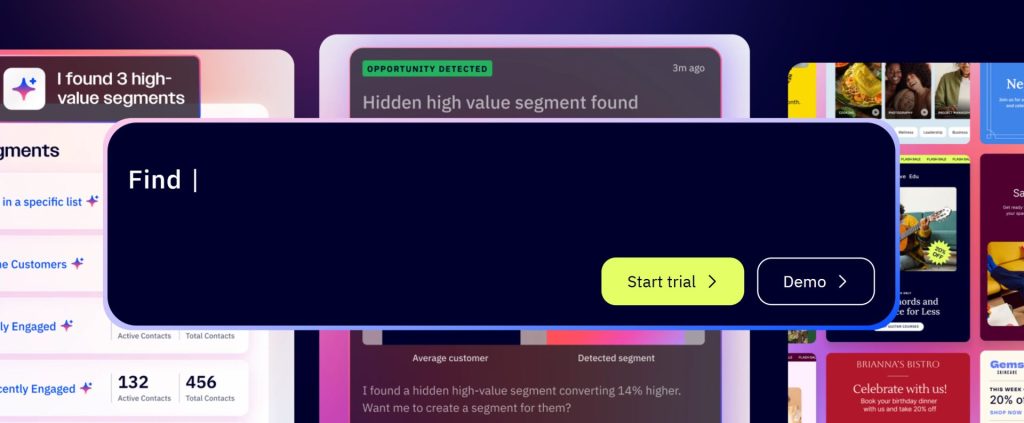
ActiveCampaign is known for the depth of its automation builder. Conditional branching, lead scoring, attribution modeling, and goal-based funnels all work natively. The platform supports multi-channel campaigns across email, SMS, and WhatsApp from a single workflow.
The WooCommerce integration plugin syncs orders, products, customers, and abandoned cart data in real time. Historical sync lets you import past order data when you connect for the first time. Browse abandonment tracking captures shoppers who leave without purchasing. Predictive sending optimizes delivery time for each contact based on their engagement history. The product catalog syncs automatically so you can reference current products in your emails.
- Price: Starter $49/month (1,000 contacts, 1 user). Plus $79/month. Professional $129/month
- Native or Cloud: Cloud (SaaS)
- Key features: Conditional branching automation, lead scoring, attribution modeling, predictive sending, native WooCommerce plugin, browse abandonment, product catalog sync
Where it falls short: The Starter plan limits automations to five actions per workflow, which is restrictive for complex funnels. The email builder does not support native WooCommerce product blocks. Data lives on ActiveCampaign’s servers. Pricing scales with contact count.
8. HubSpot CRM (Cloud) – Best Free Tier for Getting Started
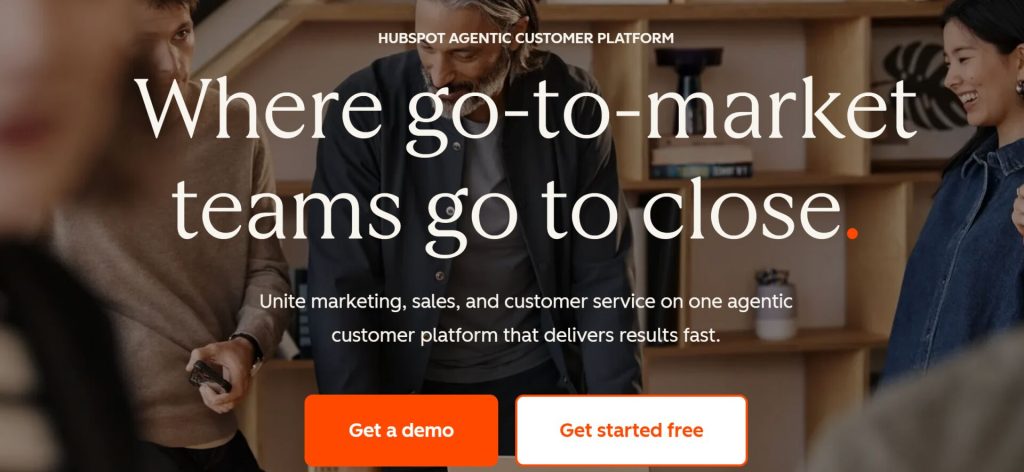
HubSpot CRM has one of the most generous free tiers in the CRM space. You get contact management, deal pipelines, email tracking, meeting scheduling, forms, live chat, and basic reporting at no cost with unlimited users and up to 1 million contacts. The WooCommerce integration plugin syncs orders, products, customers, and cart abandonment events into HubSpot contacts and deals.
The platform connects with over 1,500 third-party apps through its marketplace. Seven built-in ecommerce reports cover customer acquisition, revenue performance, and product trends. Email marketing and social media publishing tools are included in the free tier. It is hard to beat that for a starting price of zero.
- Price: Free (unlimited users, up to 1M contacts, 1 pipeline, 2,000 emails/month). Starter from $20/seat/month. Marketing Professional from $890/month. Sales Professional from $100/seat/month
- Native or Cloud: Cloud (SaaS)
- Key features: Contact and deal management, email tracking, meeting scheduler, forms, live chat, 1,500+ integrations, WooCommerce plugin, Breeze AI Assistant
Where it falls short: Everything on the free plan shows “Powered by HubSpot” branding, which can look unprofessional. Removing it requires upgrading to Starter. The Professional tier pricing cliff is steep. The WooCommerce integration is basic compared to native WordPress plugins. No native SMS or WhatsApp without paid add-ons. You cannot insert WooCommerce products directly into emails.
9. Drip (Cloud) – Best Ecommerce Email Automation on a Budget
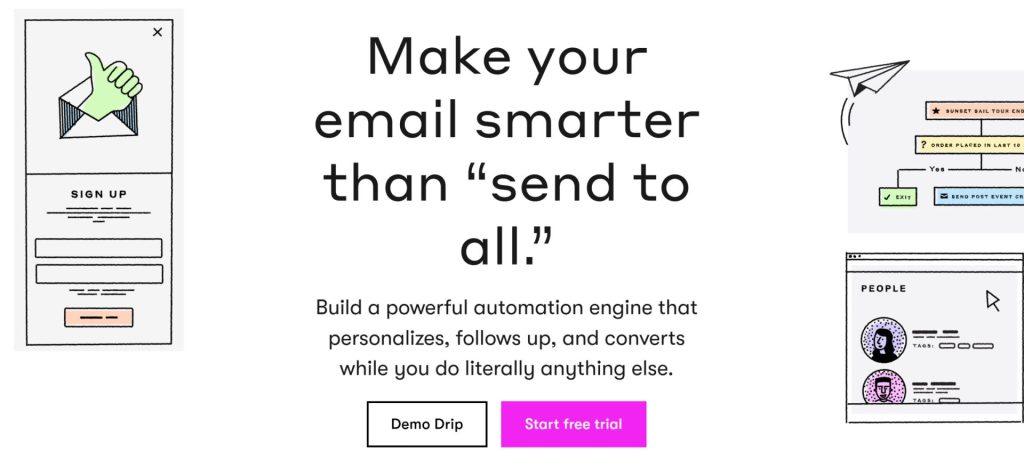
Drip sits in that middle ground between budget email tools and expensive enterprise platforms like Klaviyo. I have seen a lot of stores land here when Mailchimp stops cutting it but Klaviyo feels too expensive. The visual workflow builder includes pre-built playbooks for welcome series, abandoned cart recovery, and win-back campaigns. Behavioral segmentation lets you filter by purchase history, purchase frequency, products viewed, and email engagement.
The WooCommerce integration syncs customer data, orders, and products. Onsite campaigns help collect emails and zero-party data directly from your store. Revenue reporting ties campaign performance to actual sales. Free migration from your previous platform is included along with personalized onboarding.
- Price: $39/month for up to 2,500 people. $99/month for 5,001 to 10,000 people. Scales from there
- Native or Cloud: Cloud (SaaS)
- Key features: Visual workflow builder, pre-built playbooks, behavioral segmentation, WooCommerce integration, onsite popups and forms, revenue reporting, free migration
Where it falls short: The email builder does not support native WooCommerce product blocks. Predictive analytics are less advanced than Klaviyo. Data lives on Drip’s servers. Pricing scales with your contact list. It is not a full CRM there is no deal tracking or pipeline management.

10. Zoho CRM (Cloud) – Best for Businesses Already in the Zoho Ecosystem
Zoho CRM is a comprehensive cloud CRM with sales pipeline management, an AI assistant called Zia, custom modules, and workflow automation. RFM segmentation is built in natively, which is rare among cloud CRMs. The real strength is the Zoho ecosystem: a single WooCommerce order can flow into Zoho CRM as a deal, Zoho Books as an invoice, Zoho Inventory as a stock update, and Zoho Desk as a support ticket simultaneously.
The Deluge scripting language allows custom data transformations during WooCommerce sync. This makes Zoho uniquely flexible for complex data workflows that other CRMs cannot handle without custom development. The free tier supports 3 users and includes lead management, contact tracking, and a mobile app.
- Price: Free for 3 users. Standard $14/user/month. Professional $23/user/month. Zoho One bundle $45/user/month for 50+ apps
- Native or Cloud: Cloud (SaaS)
- Key features: AI assistant Zia, built-in RFM segmentation, 50+ app ecosystem, Deluge scripting, custom modules, sales pipeline, workflow automation
Where it falls short: WooCommerce integration requires a third-party bridge plugin (like WP Swings at $129/year) which adds ongoing maintenance and potential breakage after updates. Zoho is not designed specifically for ecommerce. The free tier has strict API limits (5,000 calls per day). Setup is complex compared to WordPress-native options.
11. Metorik (Cloud) – Best for Deep WooCommerce Analytics and Reporting
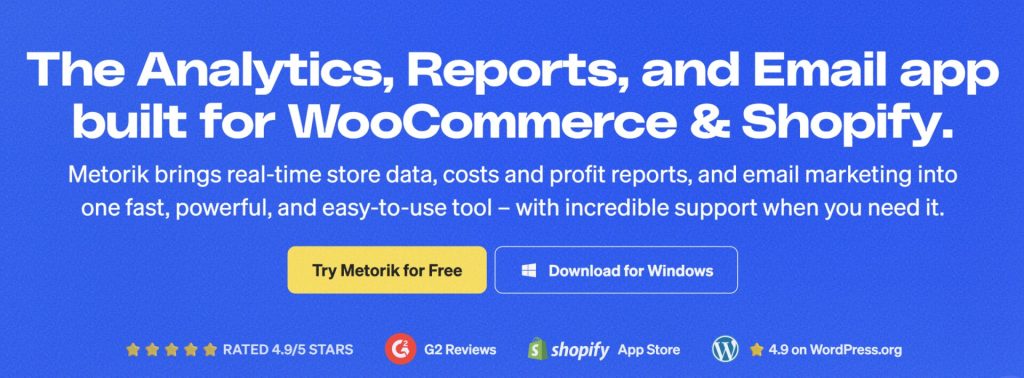
Metorik has over 75 real-time reports covering sales, profit, customers, products, subscriptions, taxes, and shipping. Profit tracking includes cost of goods sold, shipping costs, and ad spend integration so you see true profitability per product and per customer. Customer cohort analysis and lifetime value tracking help you spot retention trends before they become problems.
The advanced segmentation system lets you build targeted customer lists based on any combination of purchase history, behavior, and custom fields. The Engage email platform is built in for sending campaigns directly from Metorik. Every plan includes email sends alongside the analytics features. Q1 2026 added a new API, Custom Metrics for building your own KPIs, Operational Costs tracking, and an AI-powered segment builder called Jarvis.
- Price: Starter $25/month (up to 100 orders). Medium $50/month (up to 500 orders). Large $100/month (up to 2,500 orders). All features on every plan with unlimited users
- Native or Cloud: Cloud (SaaS)
- Rating: 4.9 out of 5 across 159 reviews
- Customer base: 10,000+ stores
- Key features: 75+ real-time reports, COGS and profit tracking, cohort and LTV analysis, advanced segmentation, AI segment builder, Engage email platform, ad spend integration
Where it falls short: Metorik is not a full CRM. It does not have contact profiles with interaction timelines, call logging, or manual note tracking. Pricing is based on order volume, so costs rise automatically as your store grows. It is cloud-based, so data syncs to Metorik’s servers.
12. Metrilo (Cloud) – Best All-In-One Analytics, CRM, and Email Platform
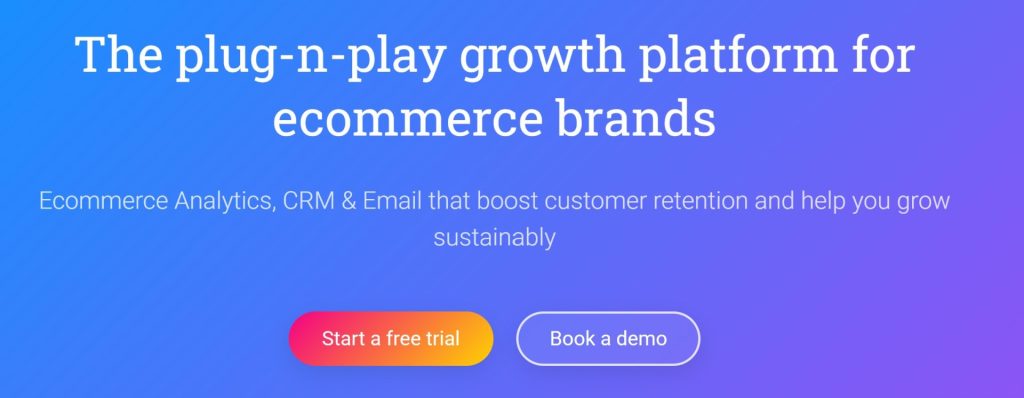
Metrilo combines ecommerce analytics, CRM, and email marketing into a single platform. The analytics cover product performance, conversion funnels, marketing channel performance, and real-time dashboards. The CRM component gives you customer profiles with purchase history and behavior tracking.
The retention analysis tools are the most useful part of Metrilo. Cohort comparisons and customer lifetime metrics show how different acquisition groups behave over time and where retention drops off. The email marketing module includes a drag-and-drop builder, automation rules, abandoned cart recovery, and customer feedback surveys sent automatically after purchase. If you are currently paying for Metorik plus Klaviyo plus a separate CRM, Metrilo at $119 per month may actually reduce your total tool costs.
- Price: Small $119/month (up to 10,000 visitors). Medium $299/month. Large $499/month. Enterprise $699/month. Annual billing discounts available
- Native or Cloud: Cloud (SaaS)
- Key features: Analytics, CRM, and email in one platform, product performance analysis, retention and cohort analysis, drag-and-drop email builder, abandoned cart recovery, post-purchase surveys
Where it falls short: The starting price of $119 per month is steep for small stores. For stores under $50,000 in monthly revenue, it is often overkill. The analytics are less WooCommerce-specific than Metorik’s. The CRM features overlap with tools you may already have. Data lives on Metrilo’s servers.
Quick Comparison Table
| CRM | Native or Cloud | Starting Price | Free Version | Unlimited Contacts | Predictive ML | Abandoned Cart |
|---|---|---|---|---|---|---|
| CRMlytics | Native WP | $0 | Yes | Yes | Yes | No |
| FunnelKit Automations | Native WP | $99.50/yr | Yes | Yes | No | Yes |
| FluentCRM | Native WP | $129/yr | Yes | Yes | No | Yes |
| Jetpack CRM | Native WP | $11/mo | Yes | Yes | No | No |
| Groundhogg | Native WP | $20/mo | Yes | Yes | No | Yes |
| Klaviyo | Cloud | $20/mo | Yes | No | Yes | Yes |
| ActiveCampaign | Cloud | $49/mo | No | No | No | Yes |
| HubSpot CRM | Cloud | $20/seat/mo | Yes | Yes | No | Yes |
| Drip | Cloud | $39/mo | No | No | No | Yes |
| Zoho CRM | Cloud | $14/user/mo | Yes | No | No | Via bridge |
| Metorik | Cloud | $25/mo | No (trial) | N/A | No | No |
| Metrilo | Cloud | $119/mo | No | No | No | Yes |
Two things stand out from this table. First, the WordPress-native options are dramatically cheaper than cloud alternatives at scale because they use flat-rate pricing. Second, only two tools on this list include any form of predictive machine learning: Klaviyo and CRMlytics. Most CRMs can tell you what happened. Very few can tell you what will happen next.
How to Choose the Right WooCommerce CRM for Your Small Business
There is no single best WooCommerce CRM for small business. The right choice depends on your priorities, budget, and technical comfort. Here are specific scenarios to help you decide.
- If you need abandoned cart recovery and revenue automation, pick FunnelKit Automations. Nothing else on this list is as WooCommerce-native for that use case.
- If email marketing is your primary channel, pick FluentCRM. The flat $129 per year for unlimited contacts beats everything at scale.
- If you want to know who is about to churn, pick CRMlytics. It is the only option with predictive modeling at zero cost.
- If you need a simple CRM with invoicing, pick Jetpack CRM. The free core handles contacts and invoices well for freelancers.
- If you run an agency and need white-label CRM, pick Groundhogg. The GPL license is unmatched for client deployments.
- If you want enterprise predictive analytics in the cloud, pick Klaviyo. Just budget for the cost at your contact volume before committing.
- If you need complex multi-branch automation, pick ActiveCampaign. Its conditional logic is the deepest in this comparison.
- If you want a free all-in-one cloud CRM to start, pick HubSpot CRM. Just be aware of the pricing cliff at the Professional tier.
- If you want solid email automation without the Klaviyo price, pick Drip.
- If you are already using Zoho products, pick Zoho CRM. The ecosystem integration is hard to beat.
- If you want deep WooCommerce analytics without a full CRM, pick Metorik. The 75+ reports and profit tracking are unmatched for pure analytics.
- If you want to consolidate analytics, CRM, and email into one platform, pick Metrilo if your combined tool costs exceed $119 per month.
The Smartest Strategy: Combine an Analytical CRM with an Operational CRM
Here is the honest truth that most comparison articles will not tell you. You probably need two tools, not one. An analytical CRM like CRMlytics tells you who is at risk and who is worth your marketing budget. An operational CRM like FunnelKit or FluentCRM actually executes the campaigns. They do different jobs, and they work better together than either does alone.
Here is a concrete example. FluentCRM can send a win-back email to anyone who has not purchased in 60 days. That is a static rule based on time. CRMlytics identifies customers with a health score below 40, meaning the model predicts they are likely to churn soon. Combine the two and you send win-back emails only to the customers who actually need them, not to everyone who happens to be past a calendar threshold. Your conversion rates go up and your email list stays healthier.
The two-tool stack of CRMlytics (free) plus FunnelKit Automations ($99.50 per year) or FluentCRM ($129 per year) costs under $130 per year. That gives you enterprise-grade predictions and solid automation without enterprise pricing.
Conclusion
The best WooCommerce CRM for small business depends entirely on what you need to accomplish. If you need predictive analytics at zero cost with full data ownership, CRMlytics is the only tool on this list that delivers that. If you need revenue-driving automation, FunnelKit and FluentCRM are the strongest WordPress-native choices at prices that do not punish you for growing. If you want an all-in-one cloud platform, HubSpot’s free tier gets you started for nothing.
The smartest approach for most small WooCommerce stores is a combination. Use CRMlytics to identify who is at risk and who is worth pursuing. Feed those insights into FunnelKit or FluentCRM for the actual campaign execution. You get the best of both worlds: predictions that help you retain customers and automation that drives revenue. All for a fraction of what a single enterprise CRM would cost.
Try CRMlytics for free on WordPress.org. Pair it with your existing automation tools and start targeting the right customers before they churn.